kiweely hardware
Made for the work.
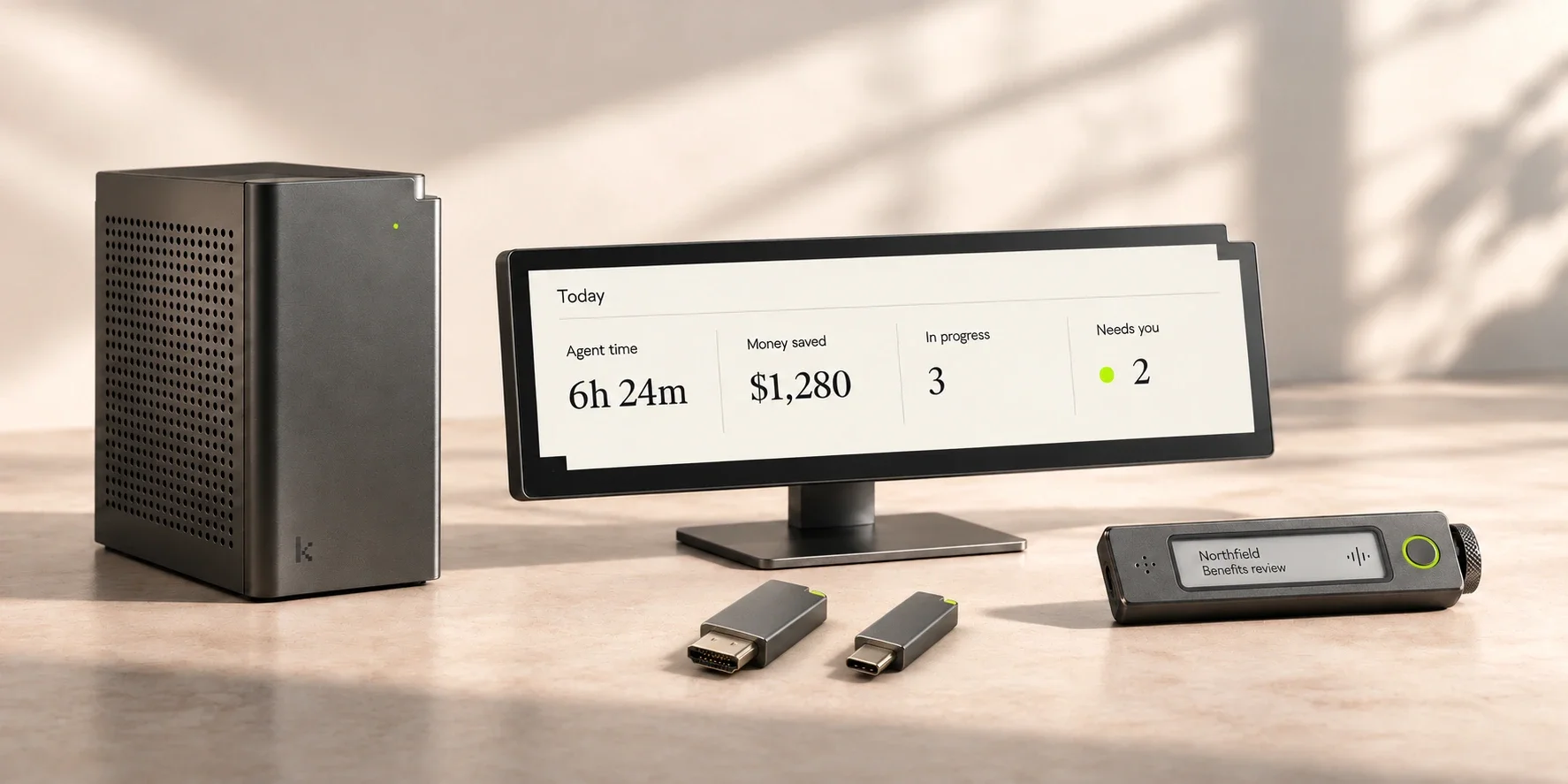
Four objects. One quieter working day.
kiweely Plug
Close the lid.
Keep the work moving.
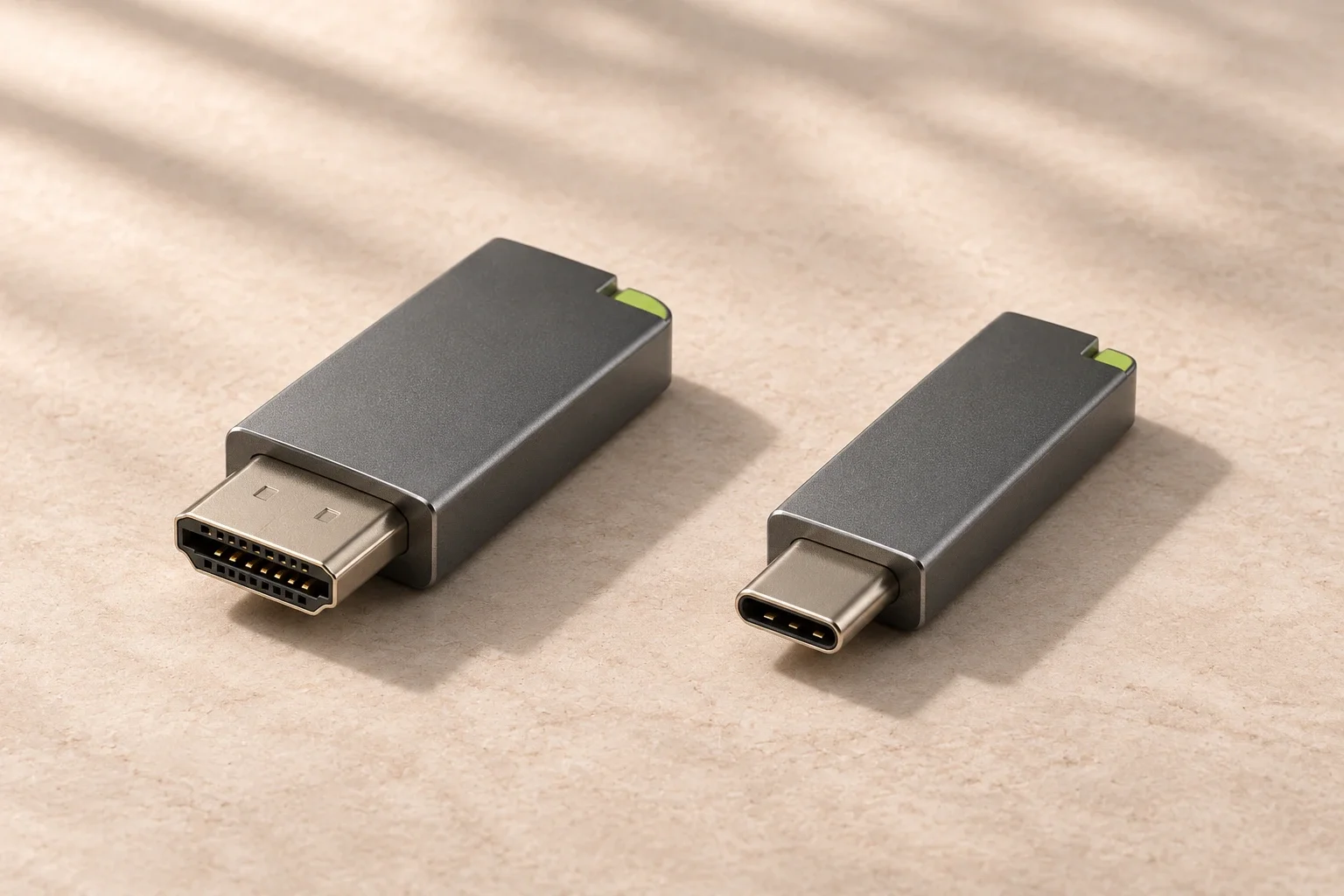
Leave kiweely working on your computer. Take the conversation with you on your phone. A tiny HDMI or USB-C plug stands in for a monitor, giving kiweely a screen to work with while your laptop stays closed.
A screen for kiweely.
Your computer sees Plug as a connected display. kiweely can use its browser and desktop tools without leaving a physical monitor switched on.
Your phone keeps it moving.
Follow progress, send a new request, answer a question or approve the next step in the kiweely phone app. The work continues on your computer.
Client work out of sight.
A closed laptop and no lit monitor keep client information off the desk’s screens. Your Workday connections and the work itself stay on your computer.
Your data
At your desk.
Under your control.
Plug provides a display connection, with no network connection or cloud storage of its own. The phone is designed to connect to your computer with end-to-end encryption, so the relay carrying the conversation cannot read it.
Your phone can show messages and files you open there. What kiweely sends to your chosen AI provider still follows that provider’s data terms. Plug does not change them.
How kiweely handles your data ↗The closed-lid setup
Planned with the kiweely phone app. Hardware compatibility and phone features need verification before launch.
- Plug in
- Choose HDMI or USB-C. The USB-C port must support video output.
- Leave connected
- Keep your laptop on power and online, with kiweely running.
- Close the lid
- Your laptop must support working with its lid closed and be set to stay awake. Plug supplies the display connection; it does not override sleep settings.
- Take your phone
- Pair the kiweely phone app with your computer before leaving the desk.
What your laptop needs
Windows: set “When I close the lid” to “Do nothing” while plugged in, and prevent sleep while the work runs. Microsoft’s setup guide ↗
Mac laptops: Apple’s closed-display setup requires power and a connected external keyboard and mouse. Compatibility with Plug still needs testing. Apple’s display guidance ↗
kiweely Desk
Your agents at a glance, without opening a window.
A 12.3-inch display that connects to kiweely over Bluetooth, without a cable. Set it under your main screen to see how much work kiweely did today, what it saved you, and which conversation is waiting on your answer.


Agent time
The hours kiweely spent working for you today, counted while conversations run, paused while they wait.
Money saved
Your agent hours priced at the consulting rate you set in kiweely, less what the AI cost. Updated as each piece of work finishes.
In progress
How many conversations are working right now, with a square for each step finished in the newest one.
Needs you
Approvals and questions waiting on your answer. The lime edge light comes on, and one press of the key opens the oldest one.
Specifications
Target specifications. Final details will be confirmed before orders open.
- Display
- 12.3″ IPS, 1920 × 720, 600 nits, etched anti-glare glass
- Connection
- Bluetooth; no cable connection to this computer
- Body
- Anodized aluminium, graphite or bone, with the kiweely notch cut into two corners
- Stand
- Tilts 10° to 35°, weighted base
- Controls
- One key: opens the conversation that needs you
- Light
- Lime edge light when an answer is waiting; dims with the room
- Size
- 310 × 132 × 16 mm, 640 g with stand
- Works with
- kiweely desktop app on Windows and Mac
kiweely Note
Every meeting written down, filed where it belongs.
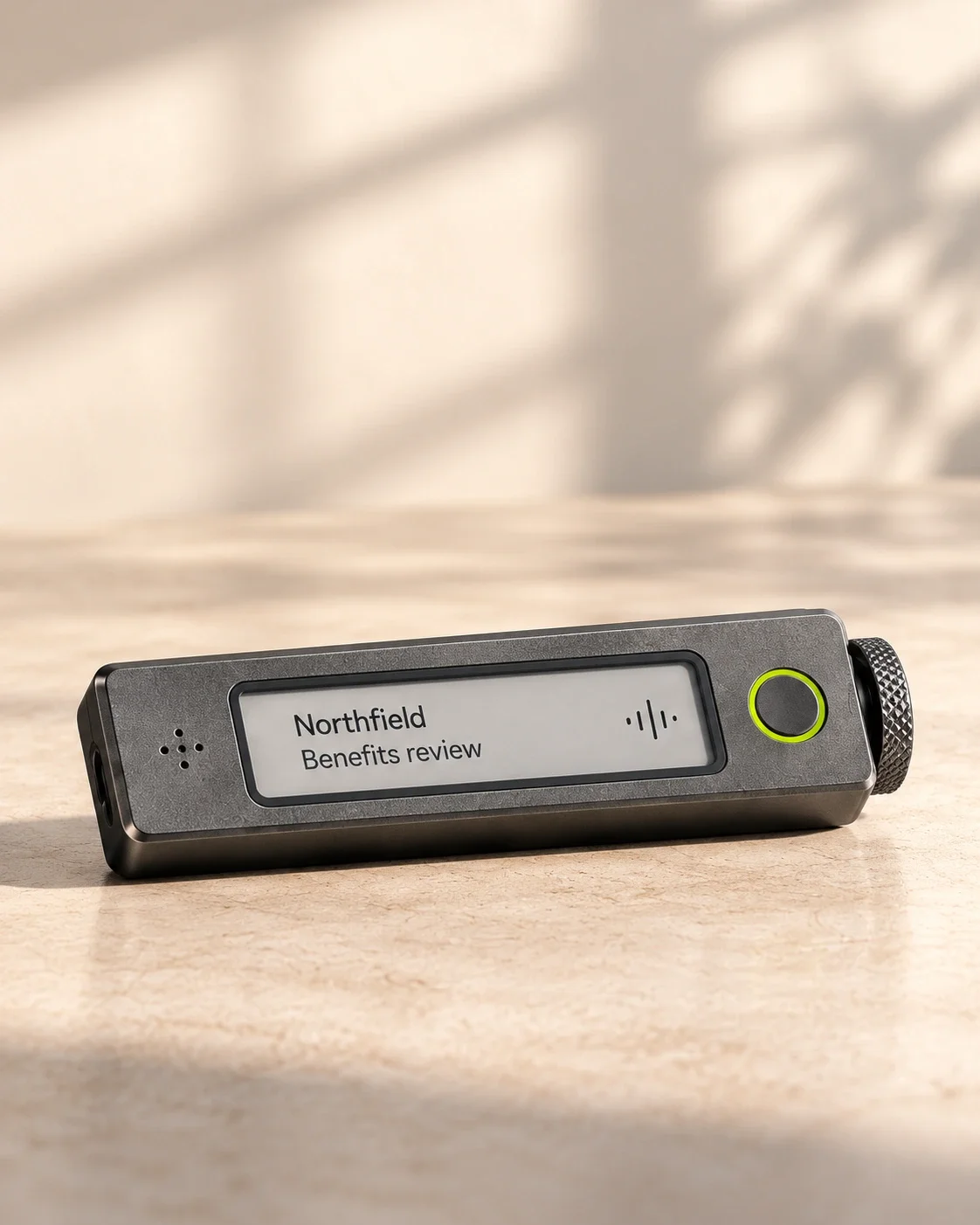
A recorder the size of a business card. Turn the side wheel to the client and project, press once, and the transcript lands in that project's folder in kiweely, where your agents can work from it.
Benefits review, weekly
41 min · 3 speakers- 12:58
Dana, Northfield HR Open enrollment has to start on the 4th, not the 11th.
- 13:20
You Then the eligibility rule change goes in this week, and we test it with two real employees.
- 13:41
Priya, Benefits Dependents who turn 26 should drop off automatically.
Pick the project first
The e-paper strip shows the client and project you dialled in. Your project list comes from kiweely, so nothing gets filed under the wrong name.
Everyone can see it's on
The lime ring lights whenever it records and cannot be switched off. Ask before you record; the ring makes the answer obvious.
Your agents read it
Transcripts carry speaker names and times, so kiweely can quote a decision back to you or turn it into a change request.
Specifications
Target specifications. Final details will be confirmed before orders open.
- Microphones
- 4 beamforming microphones, clear up to 5 m across a table
- Battery
- 30 hours recording, 60 days standby; 80% in 45 min over USB-C
- Storage
- 64 GB, encrypted, about 600 hours
- Screen
- 1.5″ e-paper strip: client, project and recording time
- Transcripts
- Speaker names, times and 40 languages, written by kiweely on this computer or on kiweely Core
- Sync
- Wi-Fi to kiweely on this computer, or USB-C
- Body
- Aluminium front, notched corners, magnetic back and clip
- Size
- 54 × 86 × 7.8 mm, 38 g
kiweely Core
Your own AI, in your own office.
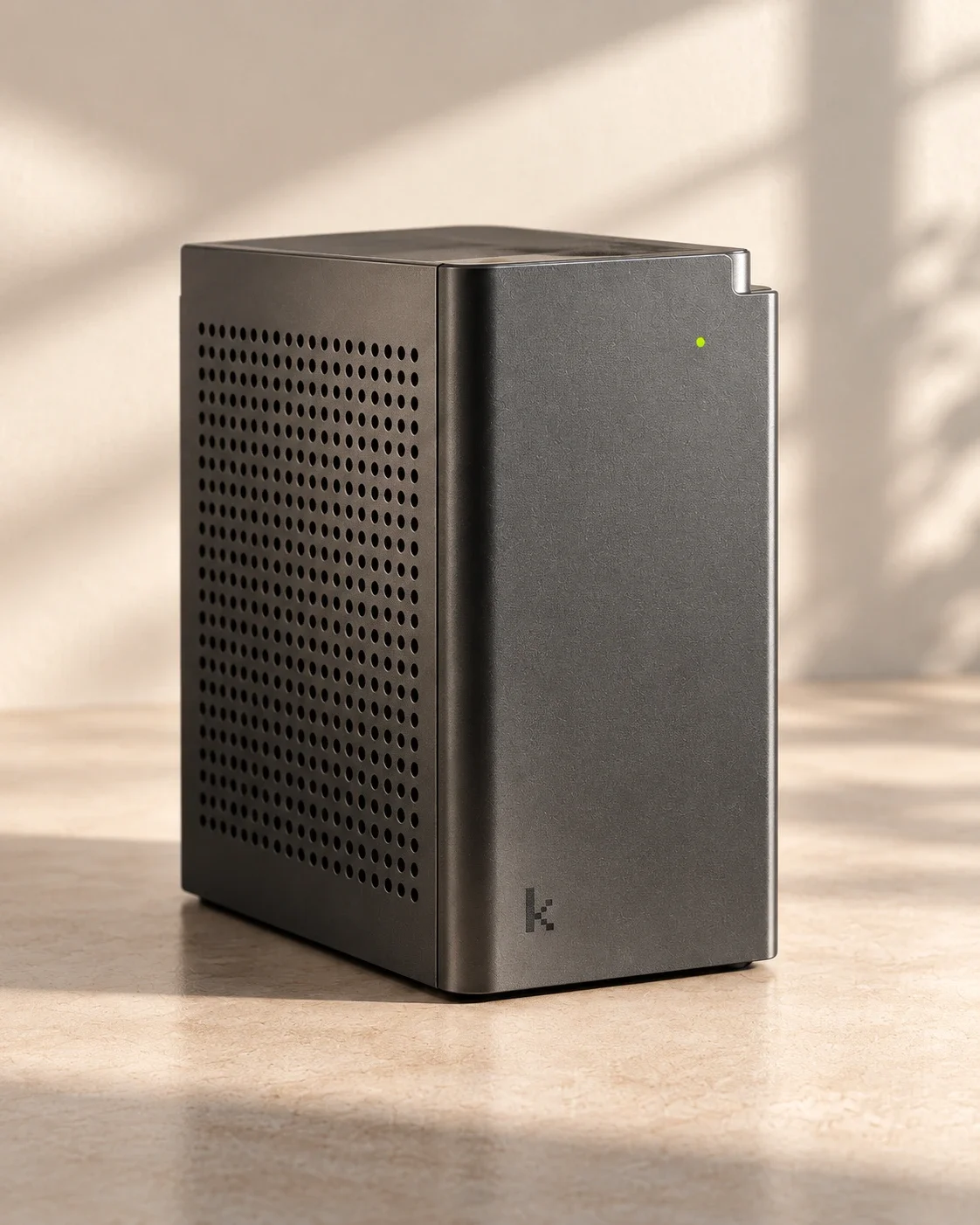
A quiet machine that runs open AI models for every kiweely on your network. Tenant answers, client files and meeting transcripts stay in the room, and there is no per-token bill.
- What each conversation costs
- Cloud model Billed per token or in Kiweely Credits
- kiweely Core No per-token bill; electricity and hardware still cost money
- Where your prompts and files go
- Cloud model To the model provider
- kiweely Core Nowhere. They stay on the machine
- Without internet
- Cloud model Stops
- kiweely Core The AI keeps thinking; Workday still needs a connection
- Which model
- Cloud model The newest frontier models
- kiweely Core Open models up to about 120 billion parameters
Choose per conversation. Keep client work on Core and send a hard problem to a cloud model when you decide to.
Specifications
Target specifications. Final details will be confirmed before orders open.
- Memory
- 128 GB unified memory for models
- Models
- Open models up to about 120B parameters; several conversations at once
- Storage
- 4 TB, encrypted on the machine
- Network
- 10 Gb Ethernet and Wi-Fi 7; serves every kiweely in the office
- Setup
- Plug in, open kiweely, choose Core. No accounts to make
- Noise
- Under 28 dB working, silent when idle
- Body
- Aluminium tower, perforated side, engraved pixel k and a lime status light
- Size
- 120 × 120 × 210 mm, 3.1 kg
Design
One family, drawn from the app.
The marks you know from kiweely on screen are cut, drilled and lit into the hardware. Put the four side by side and they read as one product.
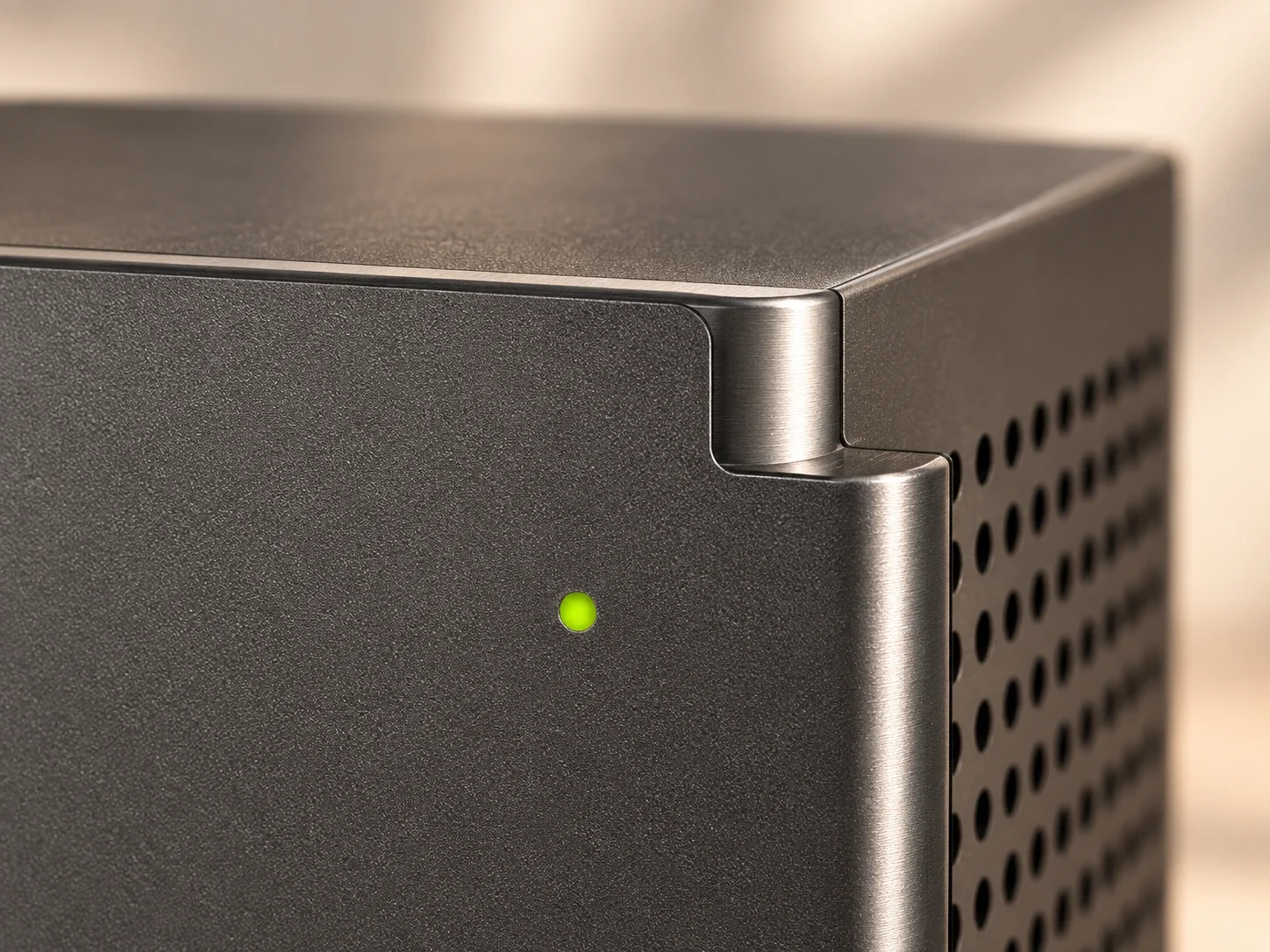
Milled, not moulded.
The staircase cut from kiweely's panels is milled into two corners of every chassis, so you can tell them apart from across the room.
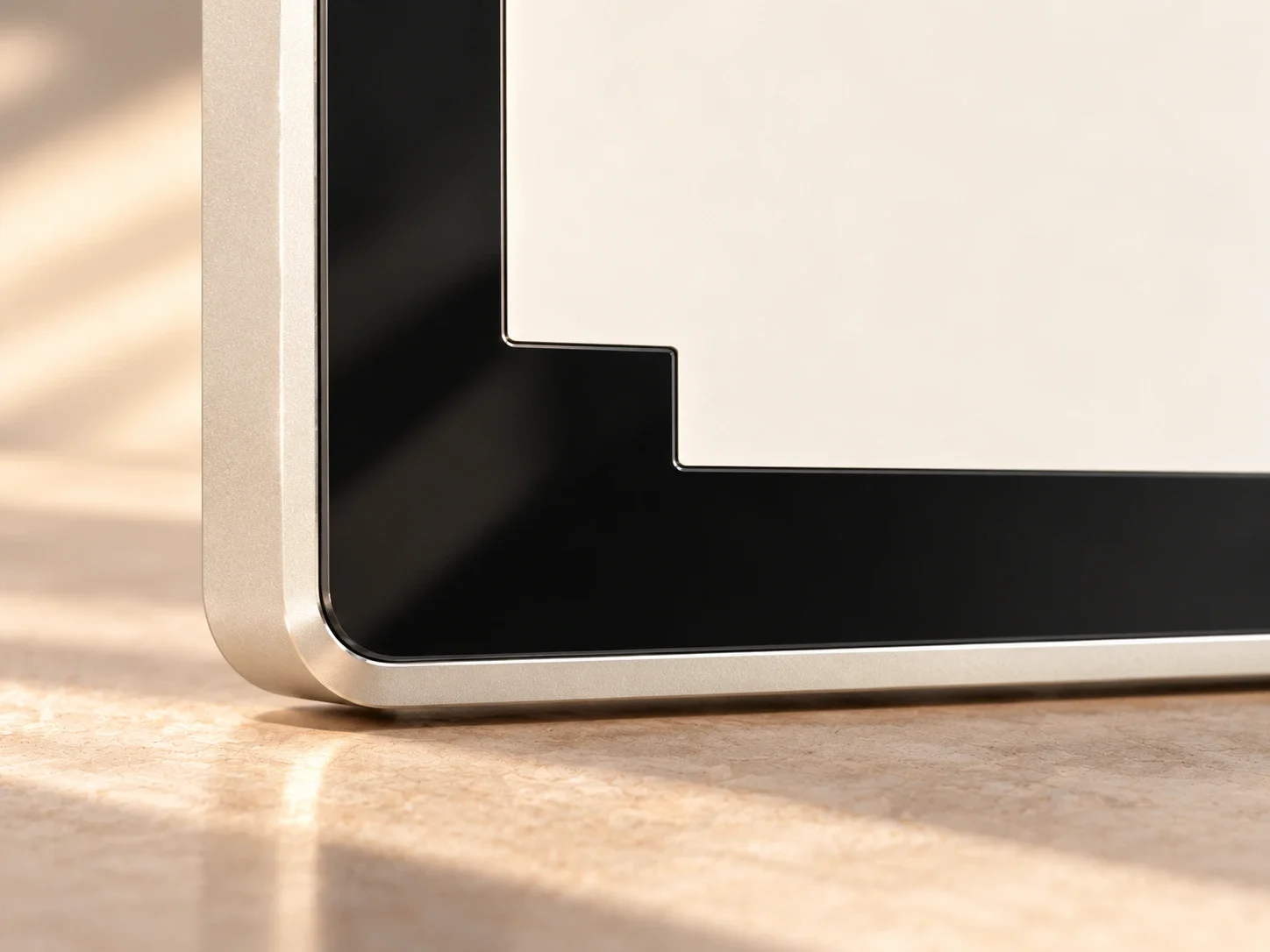
Paper-like. Glare-free.
Etched glass meets the aluminium edge. A light screen keeps the figures readable without a bright reflection across your desk.
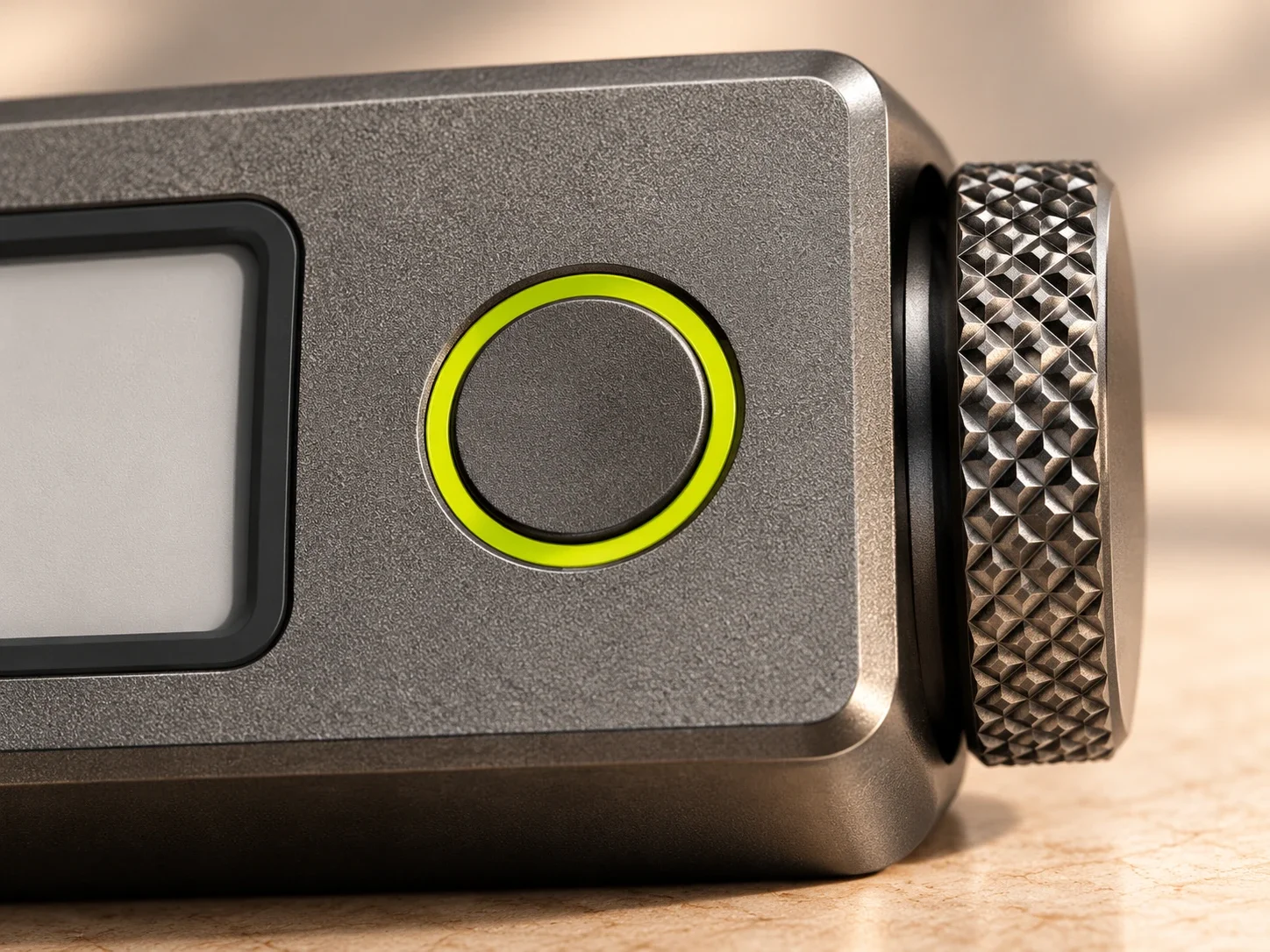
A light with a purpose.
Lime is the one colour on the hardware. It lights only when something needs you: an answer waiting, a recording running, Core at work.
Which one belongs on your desk?
Tell us what you would use and what it would make easier. These products are in development; registering interest is not an order.