How it works
The few ideas behind kiweely, on the real screens.
Learn these and the rest is asking. kiweely can also show you around itself: say “Show me around” in your first conversation.
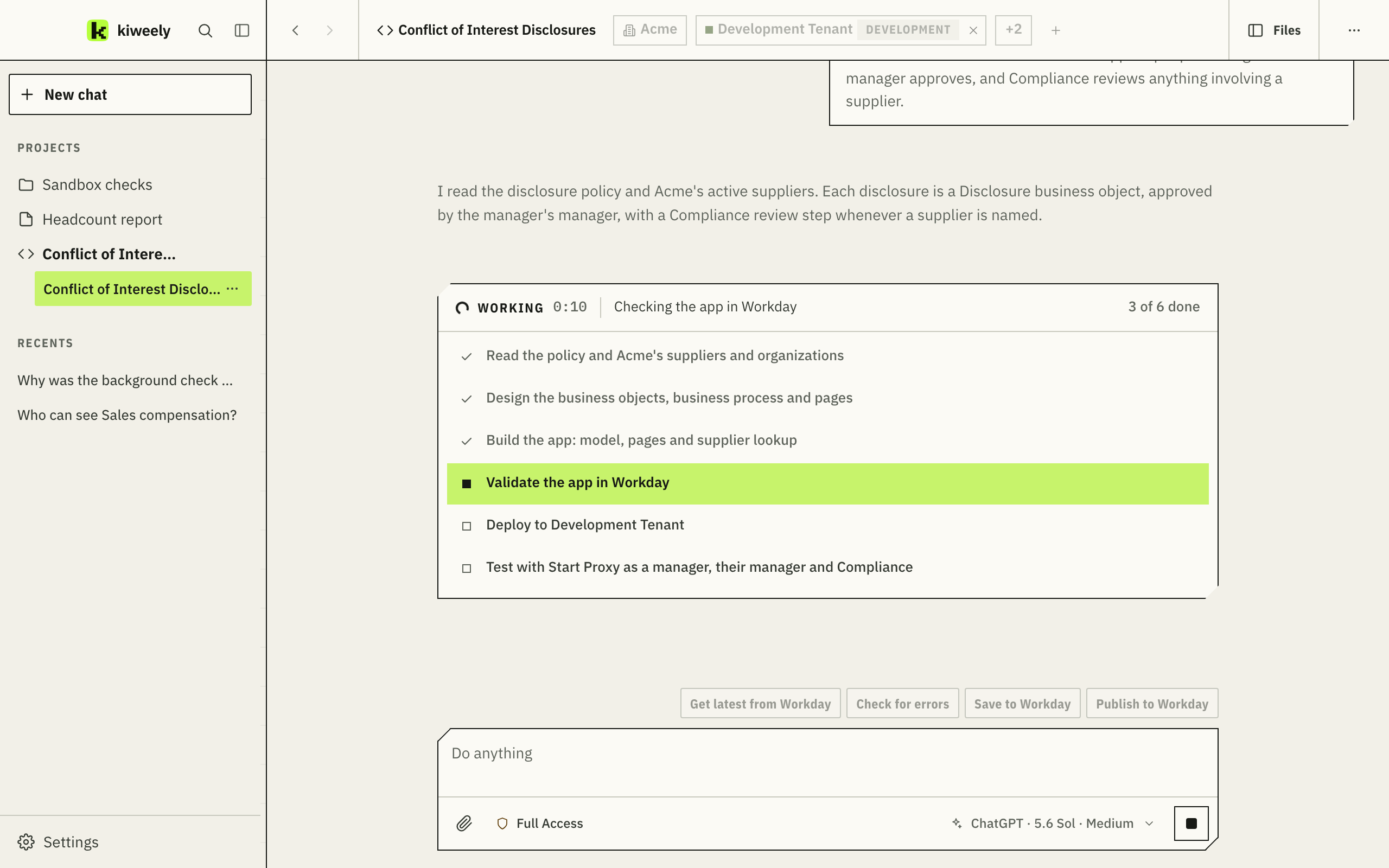
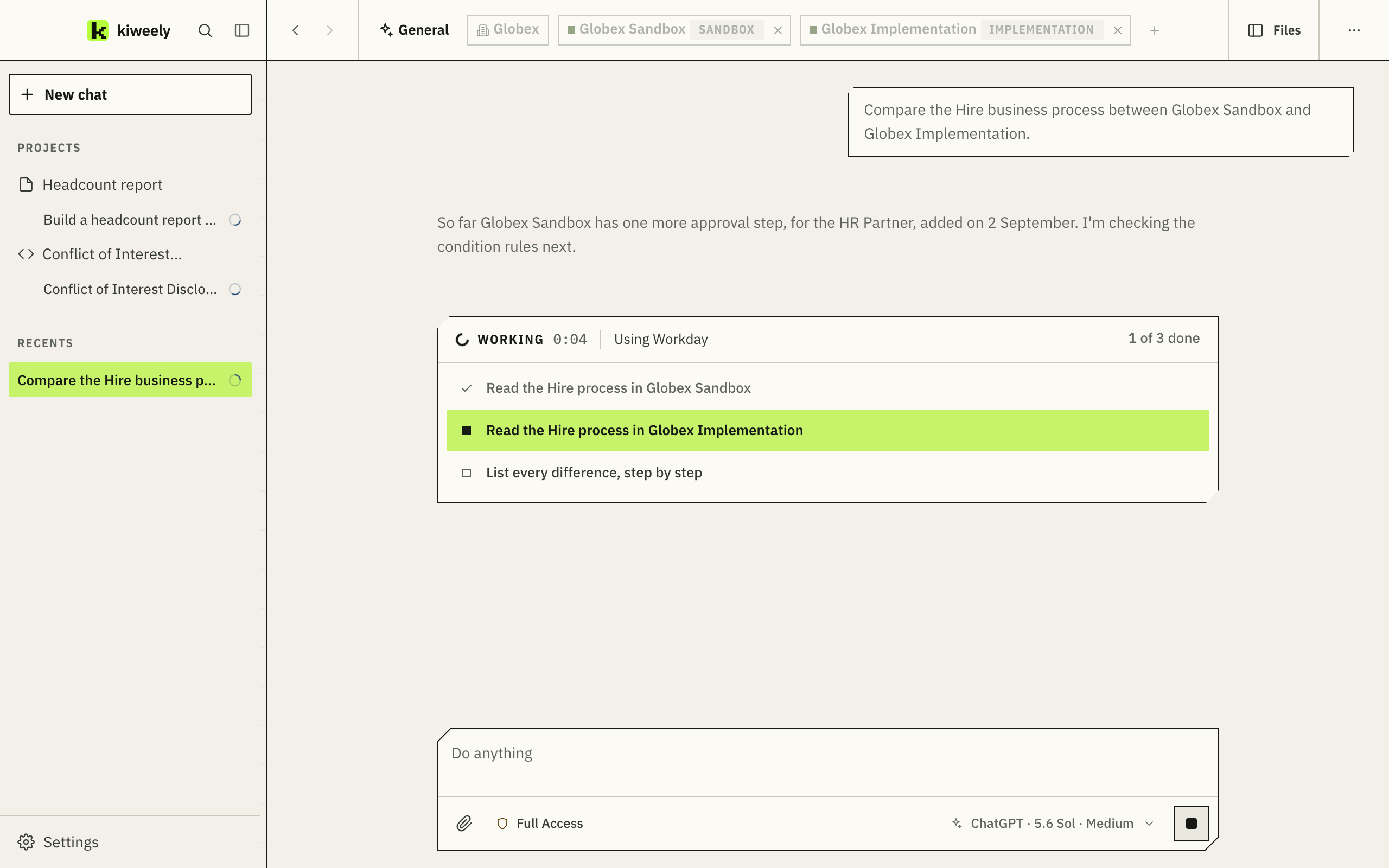
- On the leftConversations and projects
A conversation is one thread: a question or a quick task. A project is work you come back to, an Extend app, an integration or a report, with its conversations, documents and earlier versions.
- Along the topThe client and its tenants
Each conversation works for one client and only ever gets that client’s sign-ins. The tenants ticked here are the ones it can reach.
- In the middleWhat it is doing now
While it works, its plan is on screen with the current step marked, and every approval it needs appears right here.
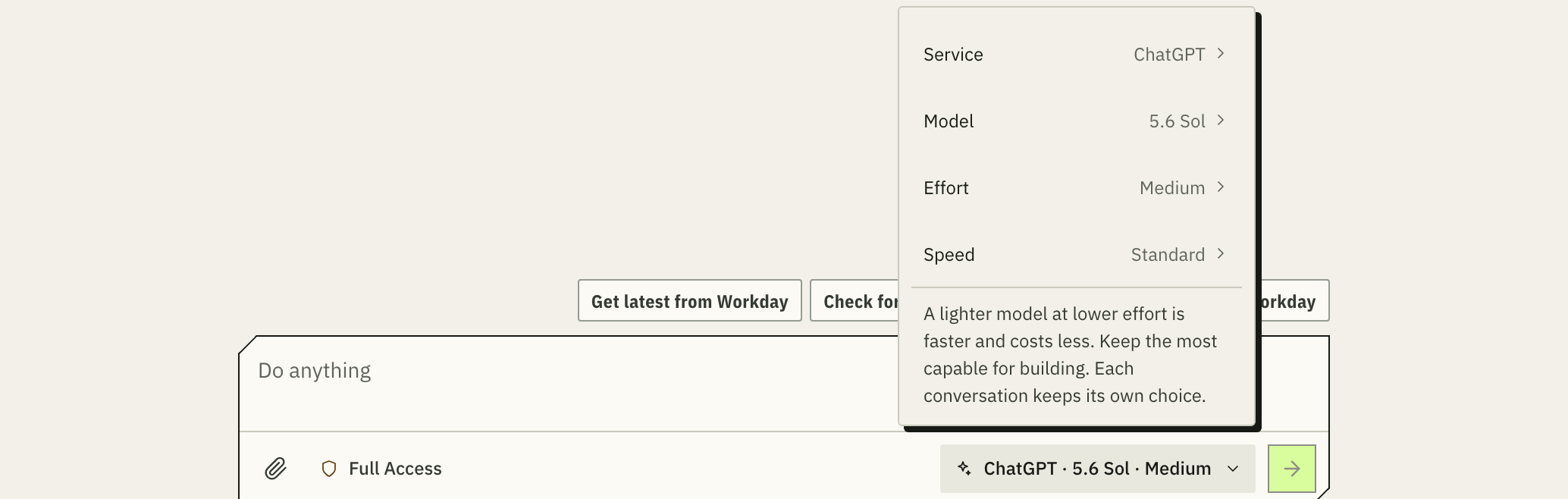
- Under the message boxThe AI model
Your ChatGPT plan, your Claude plan or an OpenRouter key. Pick the model and the effort for each conversation.
Connecting a tenant
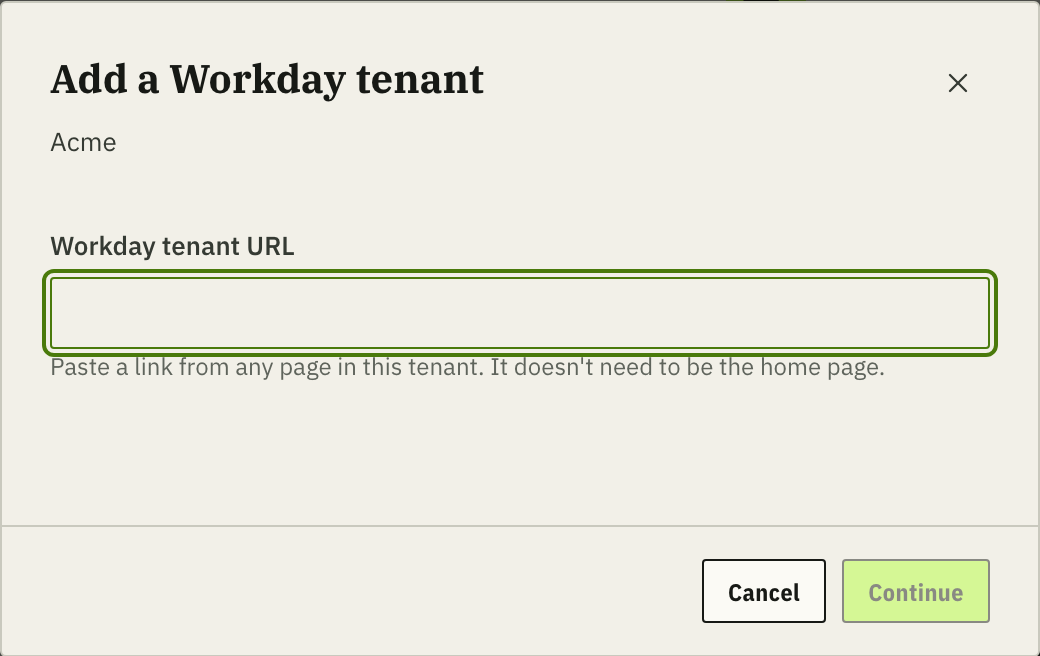
Two ways in. Neither needs an API client.
Bring tenants in from the client’s Extend account, or paste a link to any page in a tenant, then sign in the way you already do. A Production tenant connects only after a warning you confirm; changes there are made one at a time and read back, and Extend apps never deploy to it.

Several tenants, and the Workday sites
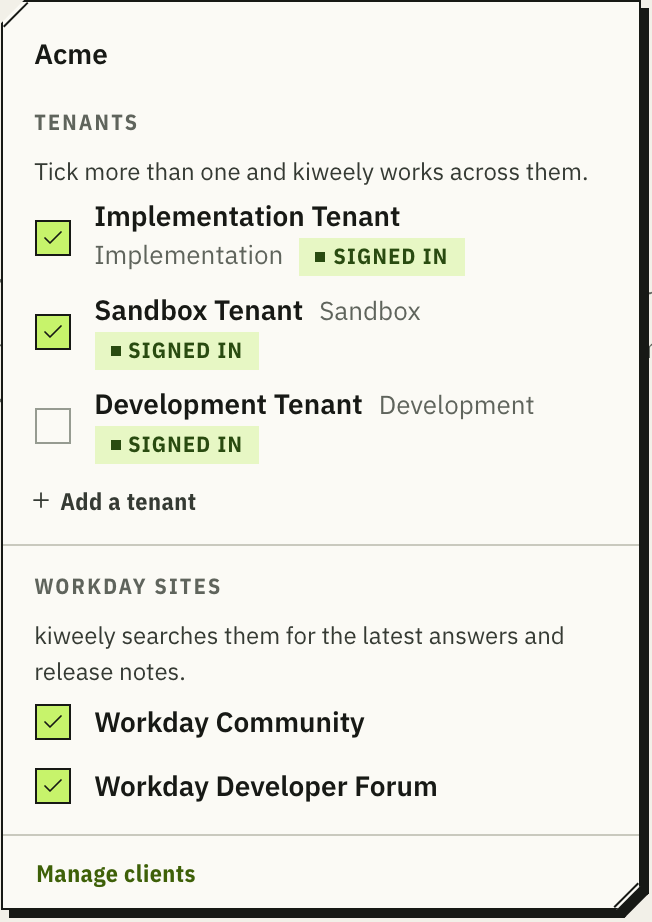
Tick more than one, and it works across them.
With Sandbox and Implementation together, kiweely compares or copies setup between them. Workday Community and the Developer Forum connect the same way, with your own Workday sign-in.

The project’s record, and memory
It writes down what it learns, and reads it first.
Each project keeps its documents: requirements, design documents and diagrams, test reports, release notes and training decks. kiweely reads them before it acts, so a second conversation starts from what is already known.
- New conversations start with what earlier ones learned: how you like things done, what worked, and what it found in your tenants.
- Its memory is kept on this computer and spans all your work. You don’t manage it.

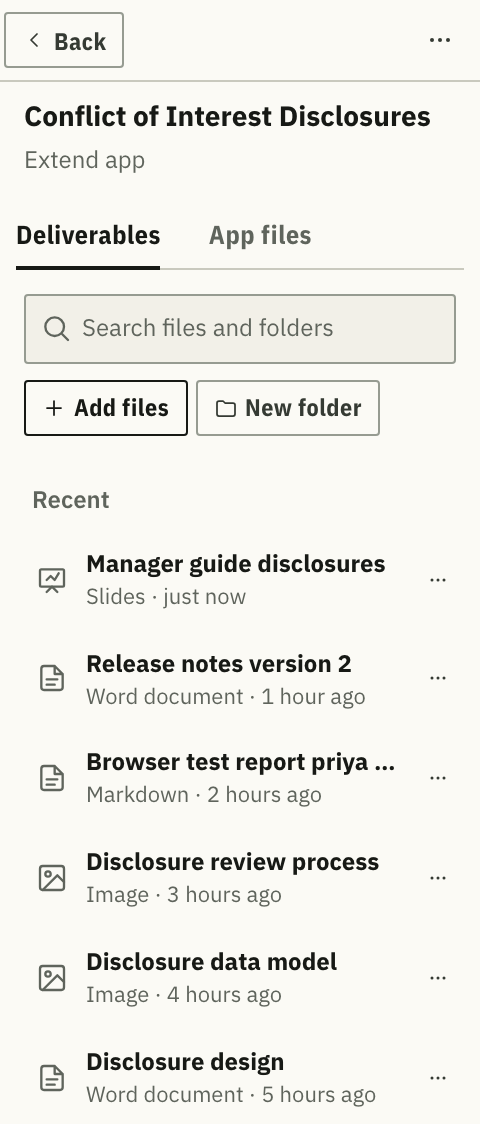
Several at once
Several jobs at once, for several clients.
Every conversation runs on its own. Switch between them while they work. Conversations that use the same AI service run side by side.

Choosing the AI model
Your AI plan. Your choice of model.
kiweely runs on your own ChatGPT plan, Claude plan or OpenRouter key. Choose the model, the effort and the speed for each conversation: lighter for questions, the most capable for building.