


Workday education materials present Orchestrate as the focus of the integrations toolset for many new builds, with Studio reserved for complex or specialized requirements. AI does not overturn that guidance.
Recommended setup
| Layer | Choice | Proof |
|---|---|---|
| LayerDesign | ChoiceOrchestration Builder (+ assistant for step outlines) | ProofSaved orchestration version |
| LayerBuild assist | ChoiceCoding/chat agent that respects Orchestrate step types | ProofDiff against Builder |
| LayerRuntime | ChoiceLaunch from integration system / BP as designed | ProofRun history, messages, output docs |
| LayerFallback | ChoiceStudio only when Java/multi-WWS complexity requires it | ProofExplicit triage note |
Workday’s comparison table: Orchestrate suits real-time transactional workflows with drag-and-drop modular design; it is not positioned as the tool for large batch data jobs the way some Studio patterns are. Studio offers full control and Java with a steeper learning curve.
What AI should not invent
- Silent replacement of Studio streaming XSLT pipelines without a triage.
- Claims that every Orchestrate HTTP call is free of Flex Credits—API overage metering depends on signed Flex Credits policy.
- “Completed” status as success when sub-orchestrations can complete despite API faults (see existing Orchestrate error guides on kiweely.com).
Acceptance checklist
- Right template (integration vs business process) documented.
- Non-Production test launch with expected output file or BP effect.
- Error-handler paths exercised once.
- Promotion/migrate notes for CredStore secrets across Sandbox refresh.
Watch Kiweely Vine build an Orchestration for Integration
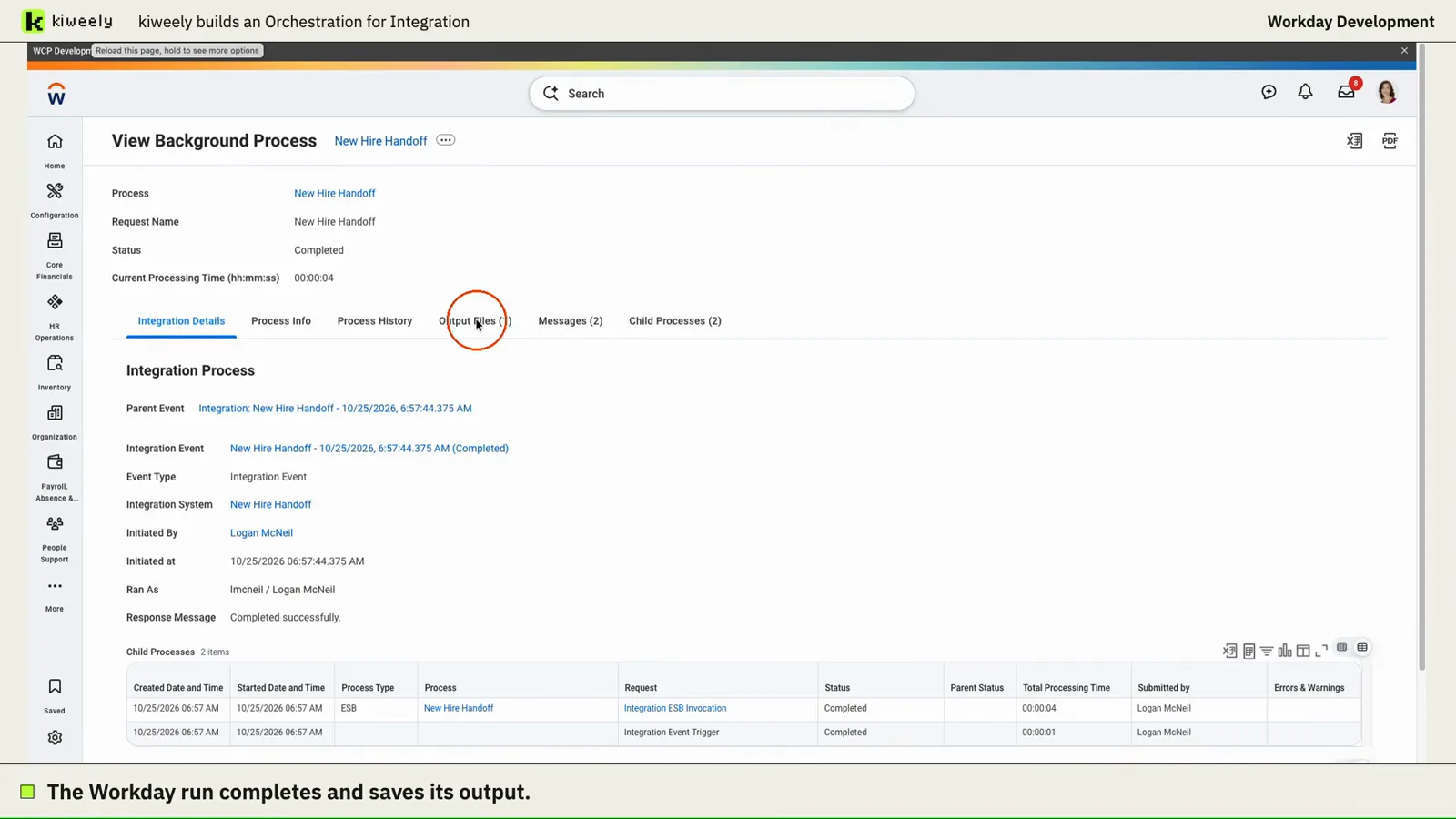
From one request, Kiweely Vine builds a new-hire handoff as an Orchestration for Integration, runs it in a Workday Development tenant and checks the saved output against the worker’s Workday details. A second run flags a worker with no work email. 59 minutes of build time.
Watch the film (8 min) · Start for free