


“Best” here means documented fit for Extend app build and proof, not a popularity contest. This matrix uses only what Workday publishes about Developer Agent, validation, and deploy.
Recommended primary setup
| Layer | Choice Workday documents | Why |
|---|---|---|
| LayerBuild assistant | Choice Workday documentsDeveloper Agent in Claude Code, Cursor, VS Code, or Google Antigravity | WhyOfficial IDE list + WDCLI install path |
| LayerAuth / deploy CLI | Choice Workday documentsWDCLI with wdcli auth login |
WhyRequired companion to the IDE extension |
| LayerAuthoring UI | Choice Workday documentsApp Builder and/or local project with validate | WhyValidate before Save and Deploy |
| LayerProof | Choice Workday documentsDeploy to Development tenant + persona tests | WhyPreview alone is not tenant proof |
Workday states Developer Agent is generally available starting 2026R2+ and sold only through Extend AI, with Flex Credits-based pricing.
Budget the meter
Workday defines Developer Agent invocations such that every interaction uses at least one invocation and generating code can use several hundred. After 50,000 annual invocations, the Rate Card lists 2 Flex Credits per invocation. Put that in the project budget before unlimited regenerate loops.
What not to use as the only tool
| Approach | Limitation from public docs / definitions |
|---|---|
| ApproachGeneric chatbot with no Developer Agent / no tenant | Limitation from public docs / definitionsNo Workday domain tools; invents fields |
| ApproachApp Preview only | Limitation from public docs / definitionsDocumented locale/security/widget gaps vs deployed app |
| ApproachPersonal consumer AI account for client tenant pastes | Limitation from public docs / definitionsSeparate data-control problem; see firm policy posts on kiweely.com |
Minimum acceptance checklist
- WDCLI signed in as the intended developer.
- Developer Agent available in the chosen IDE.
- App Builder (or equivalent) Validate clean.
- Deployed build on a Development tenant.
- Pages exercised as employee and manager (or project personas), not only as developer.
- Invocation usage reviewed after large generate sessions.
Honesty limit
This guide does not rank model brands on quality scores. It ranks setup shape against Workday’s published install and metering pages. Re-check those pages when Workday adds IDEs or changes entitlements.
Watch Kiweely Vine build, secure and test an Extend app
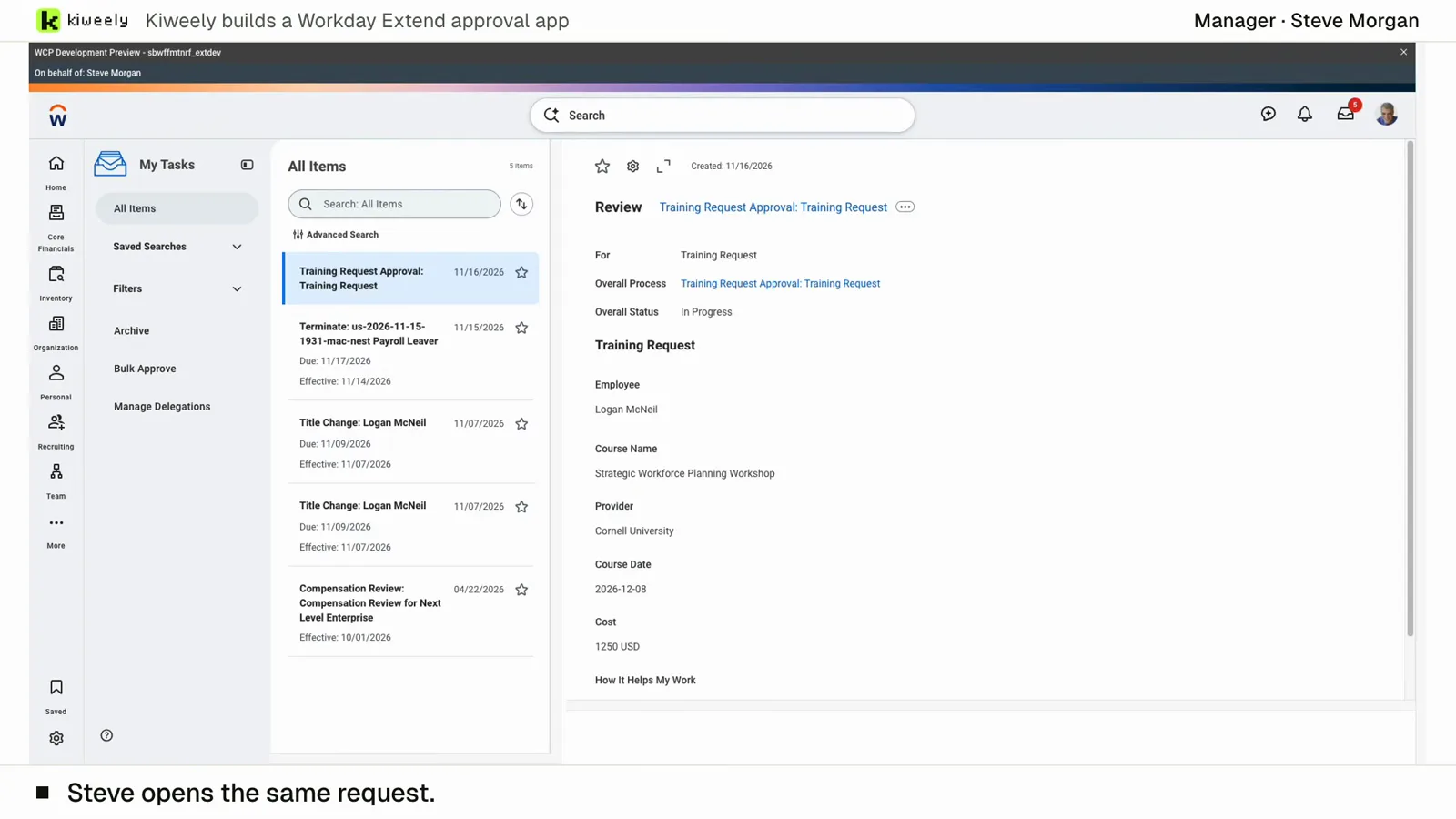
From two short messages, Kiweely Vine builds a training approval app in a Workday Development tenant. It sets up the app’s access (Employee As Self and Manager) and the approval’s business process security policy, activates the pending security changes, adds the Manager step to the routing, then tests it as the employees and managers through Start Proxy, privacy checks included. 1 h 51 min from sign-up to the checked result.
Head to head: Kiweely Vine vs Workday Developer Agent and Kiweely Vine vs ChatGPT and Claude. Every tool side by side: the best AI tools for Workday, compared.
Watch the film (15 min) · Start for free