


App Preview is useful. It is not a substitute for deploying to a Development tenant and testing as real users. This guide lists the differences Workday documents so test plans do not stop at Preview.
What App Preview is for
Workday’s Extend App Preview documentation says Preview lets you view and interact with PMDs in App Builder without deploying to a tenant, to iterate faster. You can open it from App Builder or with WDCLI app:preview.
Workday also states App Preview only supports the UTC timezone, en-US language, and en_US locale.
Mock data vs connect to tenant
Pages with inbound or outbound endpoints need either:
- Mock data mapped to each endpoint, or
- Connect to a Development or Implementation tenant.
Workday warns that when Preview is connected to a tenant, the app invokes inbound and outbound API calls and might update data in the tenant or other systems. Connecting does not deploy the app; you can deploy to a different tenant than the one you connected for Preview.
Mock data is required for endpoints with authType of OAuth2 because tenant connection does not support that auth type.
Documented behavior differences
Workday publishes tables of differences. Highlights:
- Without a tenant connection,
securityDomainson the PMD are ignored; connected Preview honors them. tenant/site.tenantIdreturnquickViewTenantwhen disconnected.userTimeZonealways returns UTC even when connected.- Several widgets error on related actions or OAuth buttons in Preview.
videois not supported without a tenant connection.- Translations show English labels only in Preview.
Treat those as reasons Preview can look “fine” while Production users in another locale or security group fail.
What a complete proof still requires
- Validate in App Builder (schema, semantic, syntax validations Workday describes).
- Save and Deploy to a Development tenant.
- View App / run in the tenant.
- Exercise pages as each persona (see Start Proxy guide)—not only as the developer.
- Read back saved data and orchestration results in the tenant, not only in Preview Page State.
For AI-assisted builds
An assistant that only shows App Preview screenshots has not met Workday’s own deploy-and-test path. Require deploy evidence plus persona runs before calling the app tested.
Watch Kiweely Vine build, secure and test an Extend app
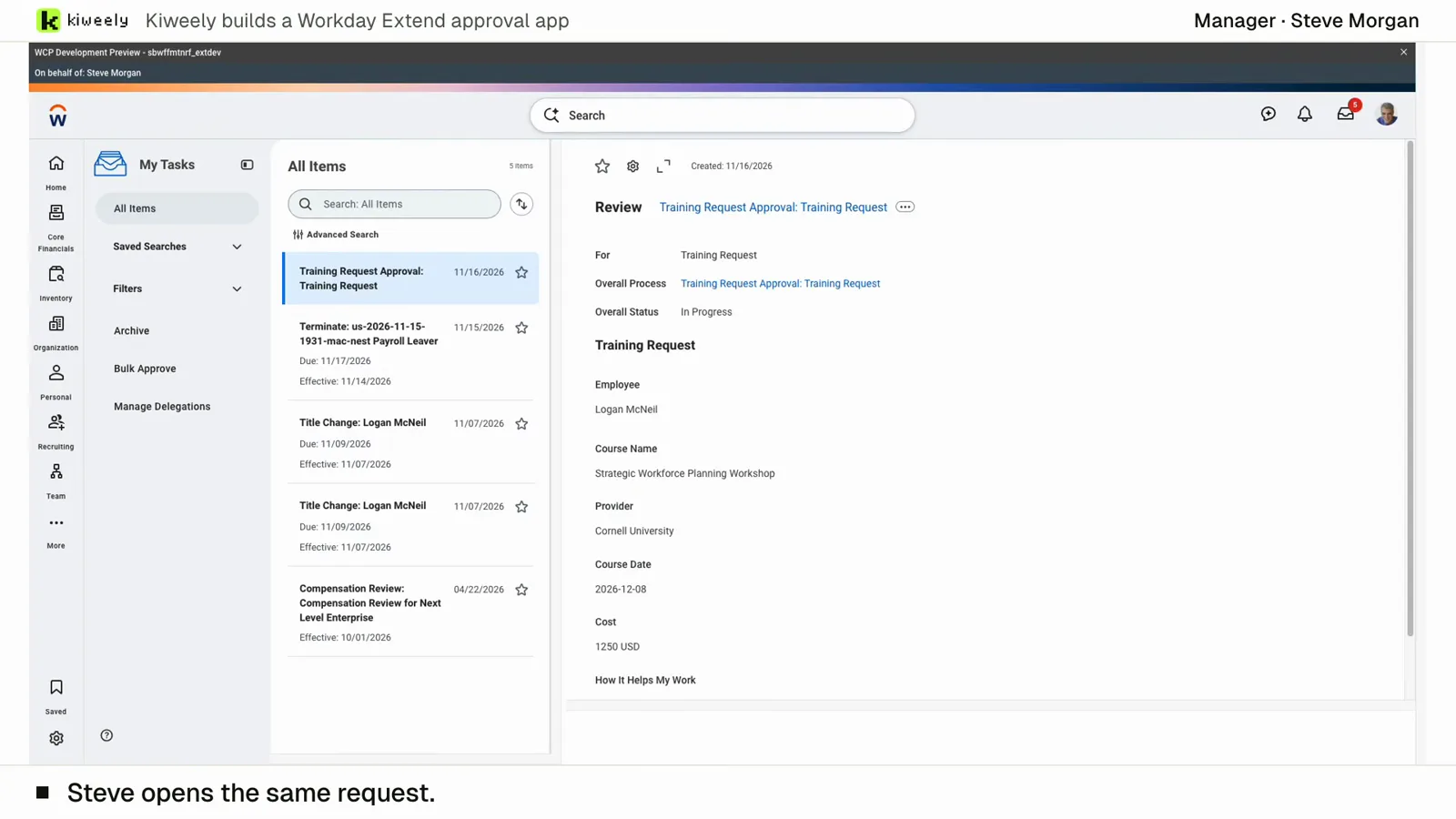
From two short messages, Kiweely Vine builds a training approval app in a Workday Development tenant. It sets up the app’s access (Employee As Self and Manager) and the approval’s business process security policy, activates the pending security changes, adds the Manager step to the routing, then tests it as the employees and managers through Start Proxy, privacy checks included. 1 h 51 min from sign-up to the checked result.
Watch the film (15 min) · Start for free