



Kiweely Vine: You design it. Your AI agent does the rest.
Kiweely Vine is the only real AI agent in Workday, and it works for you: it does the build, configuration, testing and documents in your clients’ tenants, so you can take on more clients.
Kiweely Vine runs on Mac and Windows.
Kiweely Vine is live todayOne ticket, start to finish.
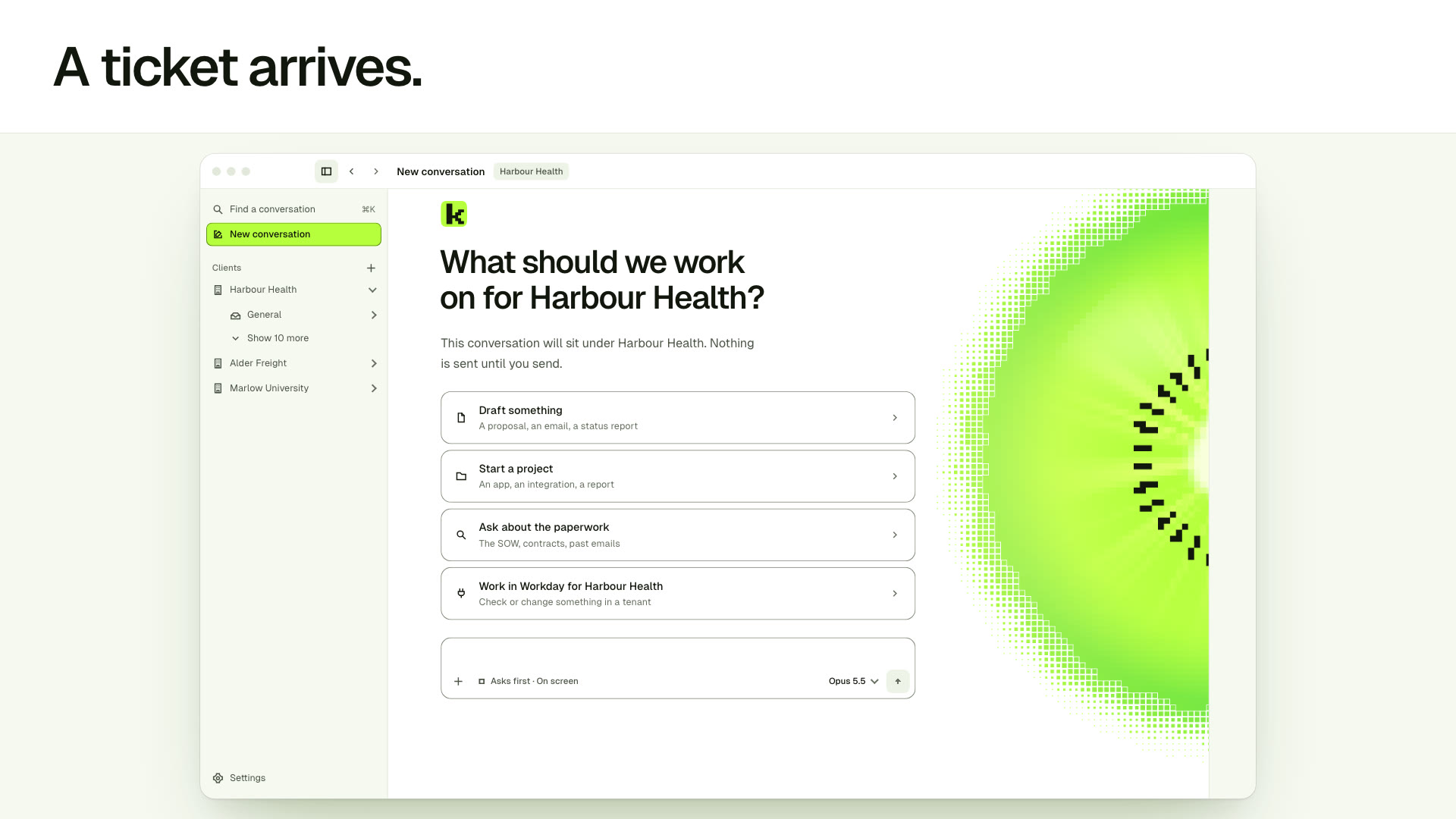
Two weeks before go-live: a business process, an Extend app and a Studio integration.
Strongest where others stop.
The two jobs Kiweely Vine takes all the way, in your tenant.
One app for every kind of job.
Ask in plain words. Watch each kind of job go from request to done.
Kiweely lists all 84 business process requests awaiting action in the tenant, checks them against Workday’s delivered report, and flags duplicate title changes.
I read the awaiting business process steps with their initiated dates and checked all 84 items against Workday’s delivered report.
41 are June 2023 recruiting steps; two November 7 title changes for Logan McNeil wait on Steve Morgan.
Nothing reaches Workday until you say so.
By default Kiweely Vine asks before making any change to your tenant. See the client, the tenant and the exact parameters before anything is written.
- Inspect every field and parameter
- Allow the action, decline it, or stop the work
- Works in the real tenant, as you
- Keeps every client apart
An approval card from Kiweely Vine: Change the Request Time Off condition rule? It says what happens and who it works with, and waits for Allow, Show the changes or Don’t allow.
Go as deep as you like.
How the app works, the work it has done, and how it compares.
Compared side by side.
Kiweely Vine beside the AI and testing tools Workday consultants weigh.
What Kiweely Vine is, in plain words.
Short answers to what people ask first.
What is Kiweely Vine?
Kiweely Vine is an AI agent for Workday, in a desktop app for Mac and Windows. It signs in to your Workday tenants as you and does the Workday work you would do yourself: configuration and business processes, security, reports and calculated fields, data loads and EIBs, Studio integrations and Orchestrations, Extend apps, testing as the real people who use a change, troubleshooting, and the design documents.
Does it build Extend apps and Studio integrations?
Yes, end to end. For an Extend app Kiweely Vine designs it, has Workday validate every version, deploys it when you approve, then uses it as each person and promotes it through Sandbox; production stays yours. For a Studio integration it works in your own Workday Studio on your computer: it builds the integration, deploys and runs it when you approve, reads the run’s logs and fixes what fails.
Can it change configuration and security?
Yes. Kiweely Vine makes them in your own tenant, through your own Workday sign-in, in any Workday task screen, and can then test the change as the people it affects. AI chat tools such as ChatGPT, Claude and Gemini tell you the clicks; Kiweely Vine makes them.
Who is Kiweely Vine for?
Independent consultants, consulting firms and in-house developers. Firms that deliver Workday work buy seats for their consultants.
How much does Kiweely Vine cost?
Vine Free is free for your Workday personal developer account and its tenant. Any other tenant needs Vine Personal at $99 a month for one person, or a Vine Team seat at $149 a month. A firm buys two seats at least, and each Vine Team seat brings the same included credits as Vine Personal into the firm’s shared balance. The AI itself is paid separately, with Kiweely Credits or your own ChatGPT, Claude or API account.
What do I need to run it?
The Kiweely Vine desktop app on a Mac or a Windows PC (the Download page lists the versions), your own Workday sign-in, and for Studio integrations your own Workday Studio on the same computer.
Not ready to try it?
One email a month for Workday teams: what’s changing in Workday and what to retest, one tip tried in a real tenant, and what’s new at Kiweely.
Hand it the build.
Take the next client.
Try it on real work for free. Start with a question in a conversation.
Kiweely Vine runs on Mac and Windows.