


Reporting work splits across Extend app reports and tenant Report Writer / RaaS. AI setups that ignore that split produce pretty columns that fail security or return different rows over RaaS.
Extend app reports (Developer Site)
Workday’s Concept: Reports page states Extend reports:
- Are Workday standard reports of the Advanced report type.
- Are secured by one or more domains in the same Extend app.
- Can include regular and derived fields from an Extend business object or attachment in the same app.
- Can be copied into a custom report for further customization.
Visual mode docs require at least one default security domain and a target business object whose fields/derived fields populate columns.
AI setup: Developer Agent or App Builder to author the report component → validate → deploy → run as each persona.
Tenant custom reports, composites, and RaaS
Those live in the tenant. Public Extend report docs do not define ISU vs interactive security for RaaS. In practice (and as covered in other kiweely.com posts), the same report can return different rows when run as an Integration System User or when prompts default differently.
AI setup:
- Agent or consultant inspects the report definition, data source, and prompts in the authorized tenant.
- Run as the same security principal the integration will use.
- Compare row counts and key columns before enabling as web service.
- For composites, validate joins/control fields before trusting an AI rewrite of subreports.
Buyer matrix
| Job | Best documented AI-shaped setup | Insufficient alone |
|---|---|---|
| JobNew report on Extend BO | Best documented AI-shaped setupDeveloper Agent + App Builder Reports | Insufficient aloneChatGPT field guesses |
| JobFix tenant custom report | Best documented AI-shaped setupTenant-connected agent + dual-principal runs | Insufficient alonePreview of unrelated Extend app |
| JobRaaS for integrations | Best documented AI-shaped setupSame + ISU runbook | Insufficient alone“Works when I click Run” |
Honesty limit
No public Workday page ranks “best AI for composites.” Rank setups by whether they can see tenant security and prompts, not by demo fluency.
Watch Kiweely Vine build a custom report
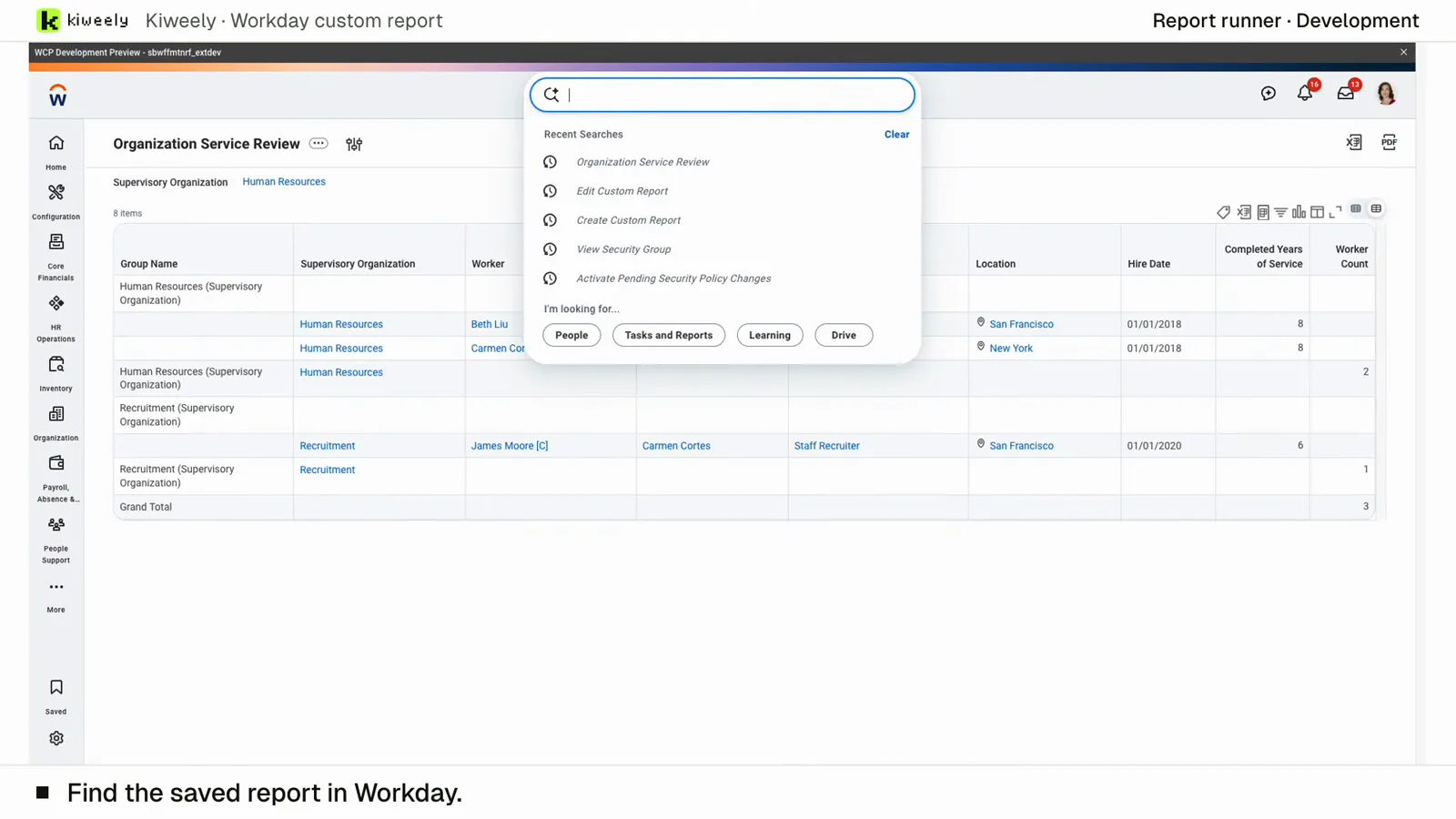
From one question, who works in this organization and how long have they been here, Kiweely Vine builds and saves a Workday custom report with a supervisory organization prompt, runs it and checks the results in a Workday Development tenant. 38 minutes from the question to the checked report.
Watch the film (9 min) · Start for free