


Every experienced Workday consultant dreads inheriting a 5-year-old tenant two weeks before a major corporate reorganization. Somewhere inside that tenant sit hundreds of undocumented Calculated Fields (CF LRV, CF ESI, CF EE, CF TF) feeding executive headcount reports, payroll costing exports, and Business Process condition rules.
The danger is not that a broken report throws a red error screen. The danger is silent corruption: a cost-center report repeats every cost center once per worker and triples total salary; a manager-movement report leaves the Still Active column blank for terminated staff; or a 6,000-condition calculated field brings report execution to a crawl right when Finance needs reorg numbers.
This hands-on playbook shows how consultants use Kiweely Vine to audit inherited reporting debt, replace fragile calculated fields cleanly, and prove every report against real Workday tenant data before a reorganization goes live.
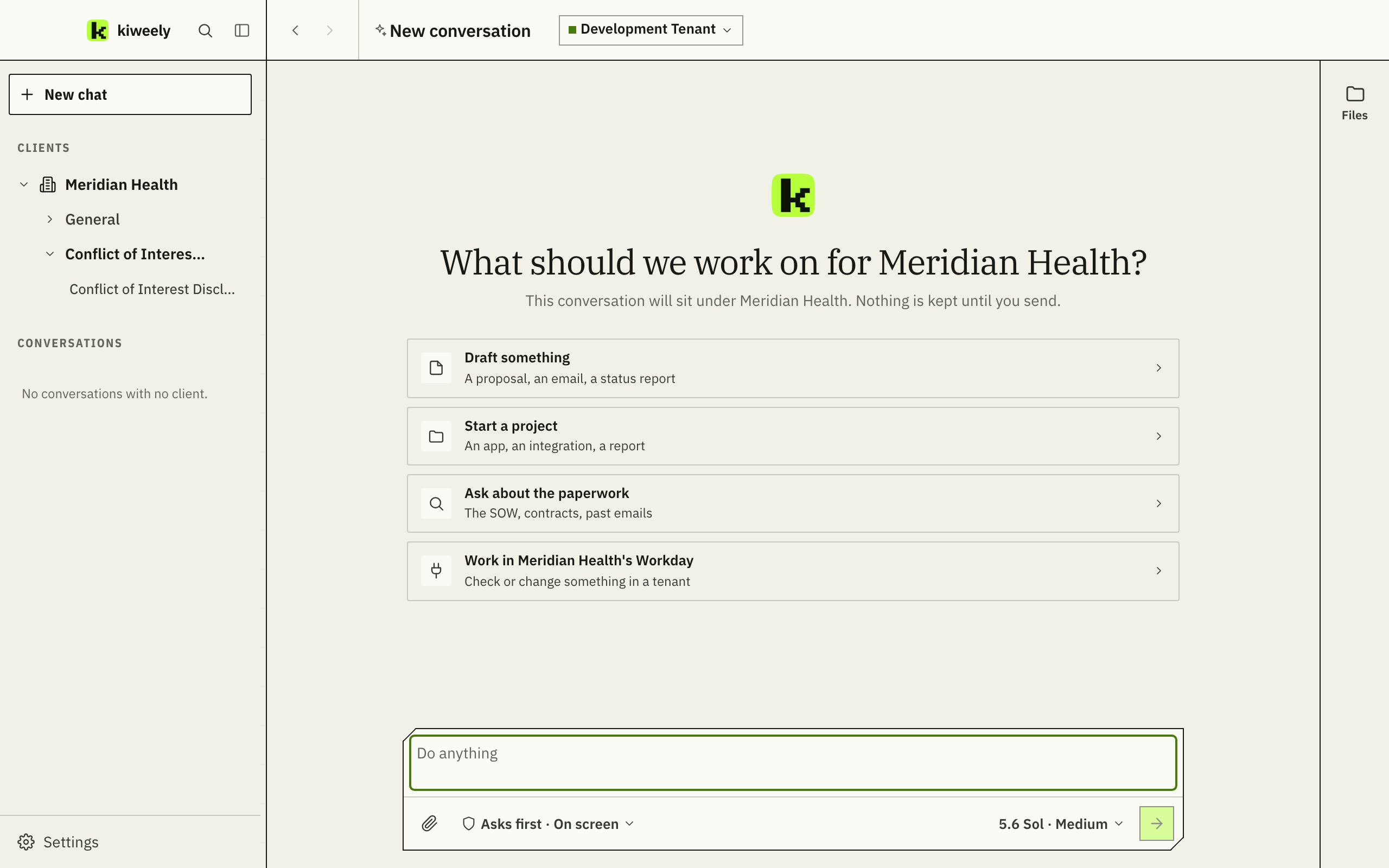
Four Real-Tenant Reporting Patterns Proven in Kiweely Vine
Every step in this playbook rests on verified runs recorded inside real Workday Development tenants on /vine/work—not theoretical prompts:
| Inherited Reporting Problem | What Kiweely Vine Built & Verified | Verified Tenant Proof |
|---|---|---|
Inherited Reporting ProblemBloated static lookup logic (calc-field-6000) |
What Kiweely Vine Built & VerifiedReplaced a proposed 6,000-condition calculated field with a Custom Field on Workday’s Position object, an Inbound EIB to populate it, and a clean report | Verified Tenant Proof10 of 12 positions loaded matching the spreadsheet; Vine identified why 2 were rejected (sitting in a Job Management org) and flagged it for the full load |
Inherited Reporting ProblemWrong grain causing row fan-out (one-row-per-cost-center) |
What Kiweely Vine Built & VerifiedDiagnosed why a worker-based report repeats each cost center once per worker, then rebuilt the report starting from Cost Centers summing active workers’ base pay in under 30 minutes | Verified Tenant Proof42 rows, one per cost center, with active-worker counts matching for three spot-checked cost centers |
Inherited Reporting ProblemPoint-in-time reorg comparisons (manager-before-after-report) |
What Kiweely Vine Built & VerifiedBuilt a report placing each worker’s manager, business title, and location on two chosen dates side by side (including people who later left); caught and fixed a blank Still Active column after the first run |
Verified Tenant Proof06/01/2024 to 08/01/2024 returned 4 workers who moved from Toronto, verified directly against job history |
Inherited Reporting ProblemTenant-wide CF sprawl & fast ad-hoc checks (prompted-report) |
What Kiweely Vine Built & VerifiedBuilt a prompted Monthly Work Anniversaries report using four report-only calculated fields (Build Date, Date Difference, Format Date, Convert Text to Number)—adding zero tenant-wide fields—and answered which org had the most January anniversaries in 36 seconds |
Verified Tenant ProofAnswered in 36 seconds (two orgs tied at six) and confirmed the exact same six people by running the saved report |
Step 1: Audit What Will Actually Break in the Reorg
Before touching a single calculated field, connect Vine to your Sandbox (populated with a fresh Production refresh) and triage reporting exposure into three buckets:
- Hard-coded organization references: Ask Vine to inspect active reports and condition rules referencing Supervisory Organizations, Cost Centers, or Locations that are being split, renamed, or inactivated during the reorg.
- Mega-condition lookup calculated fields: Any
Evaluate Expressionfield carrying hundreds or thousands of legacy code mappings (like old department codes or legacy position IDs) is a ticking time bomb during a reorg. Following thecalc-field-6000pattern, move static cross-walk data off calculated fields onto a structured Custom Field maintained via EIB—and watch for mixed staffing models (Position Management vs. Job Management orgs) where Position-object fields do not apply. - Grain mismatches (Worker vs. Organization): Whenever Finance or HR complains that a reorg headcount or payroll summary “looks too high,” check the Data Source grain first. Just as Vine demonstrated in
one-row-per-cost-center, starting from the Organization/Cost Center business object and aggregating related active workers eliminates duplicate rows permanently.
Step 2: Build Before-and-After Reorg Verification Reports
During a reorganization, leadership always asks the same verification question the morning after cutover: “Who changed manager, business title, cost center, or location between Date A and Date B—including anyone who terminated during the transition?”
Use the manager-before-after-report pattern in Vine:
- Prompt for two effective dates (
Date 1andDate 2) so the exact same report works for pre-reorg Sandbox rehearsal and post-reorg Production audit. - Include terminated workers in the Data Source filter so mid-reorg departures do not disappear from headcount reconciliations.
- Always inspect the first run row by row—just as Vine caught and fixed the blank
Still Activecolumn on first execution before comparing the four moved Toronto workers against Workday job history.
Step 3: Stop Adding Tenant-Wide Calculated Field Debt
One of the easiest ways to keep a reorganized tenant clean is enforcing a strict report-only calculated field default.
In prompted-report (and its full write-up, Work anniversaries report built, then a tenant question answered), all four date-math fields (Build Date, Date Difference, Format Date, and Convert Text to Number) were created strictly as report-only calculated fields. They never polluted the tenant-wide field picker, never created cross-report dependency webs, and stayed cleanly encapsulated inside the single report definition.
Reserve tenant-wide calculated fields exclusively for reusable building blocks shared across multiple reports, integrations, or Business Process condition rules—and document their naming prefix (CF LRV, CF ESI, CF TF) consistently.
Step 4: Verify Security and Scope with Real Tenant Answers
Never hand a reorg report to HR Partners or Cost Center Managers after running it solely under your own admin login:
- Cross-check totals fast: Ask Vine a direct question against the tenant first (as in the 36-second January anniversary check) and confirm the saved custom report returns the exact same population.
- Test constrained visibility via Start Proxy: Run the report while proxied as a constrained HR Partner or Cost Center Manager—remembering that if your Sandbox test user also holds company-wide access (a real nuance Vine explicitly documented in the anniversaries write-up), you must test with a genuinely constrained persona before claiming org-scoping works.
Pre-Reorg Reporting Readiness Checklist
- Flag hard-coded org names across every custom report filter and
Evaluate Expressioncalculated field. - Replace static mega-condition CFs with structured Custom Fields loaded via EIB.
- Audit Data Source grain on every Finance and headcount summary report so 1:N worker joins cannot double-count salaries.
- Run a Date-1 vs. Date-2 before-and-after report in Sandbox after executing the mass reorg EIBs, reconciling moved and terminated workers against job history.
- Default all new single-purpose CFs to report-only so the reorganized tenant starts clean.
Ready to run this audit inside your own Sandbox tenant? Kiweely Vine connects directly from your desktop, answers tenant questions in seconds, builds and verifies reports and calculated fields in Workday’s report writer, and keeps every change behind your approval. Vine Free is free for your Workday personal developer account and its tenant. Any other tenant needs Vine Personal at $99 a month for one person, or a Vine Team seat at $149 a month.
For deeper debugging reference, pair this playbook with Workday Calculated Field Wrong Value Debugging and Mass Reorganization Without Breaking Approvals.
Frequently asked questions
Why do Workday calculated fields and custom reports break silently during a reorganization?
Reorganizations change Supervisory Organization hierarchies, Cost Center mappings, manager chains, and effective-dated job history. Inherited calculated fields built on hard-coded org names, brittle Lookup Related Value chains, or wrong primary business objects quietly return blanks or duplicate rows without throwing a runtime error.
When should a consultant replace a massive calculated field with a custom field and EIB?
Whenever a calculated field encodes thousands of static lookup mappings (such as legacy position or department cross-walks), replace the mega-condition calculated field with a Custom Field on the target business object populated via an Inbound EIB. It runs faster, stays auditable, and does not break report performance.
Should new date or formatting calculated fields be tenant-wide or report-only?
Default to report-only calculated fields whenever the logic serves a single report (such as anniversary month matching or custom display formatting). Keeping single-use logic report-only prevents tenant-wide calculated field bloat across future reorgs.
How does Kiweely Vine verify a newly built or rebuilt Workday report?
Vine runs the saved report in the real connected tenant and cross-checks its rows directly against Workday's underlying worker records or job history—flagging discrepancies such as blank columns or excluded rows and fixing them before handover.