


Configuration.
Business processes and setup, changed in the tenant and tested.
How it goes.
- Point at the tenants. Connect the tenants the conversation should work with: development, test, production. Each conversation carries its own connections, so one client’s tenants never leak into another’s.
- Say what needs doing. Compare configuration between tenants, check a setup, or make a routine change. Kiweely Vine reads the current state first and tells you what it found.
- Approve the change. Every change names the tenant and the action, and waits for you. Everything it did is visible in the tenant’s own history.
Every piece in configuration
Short · November 20
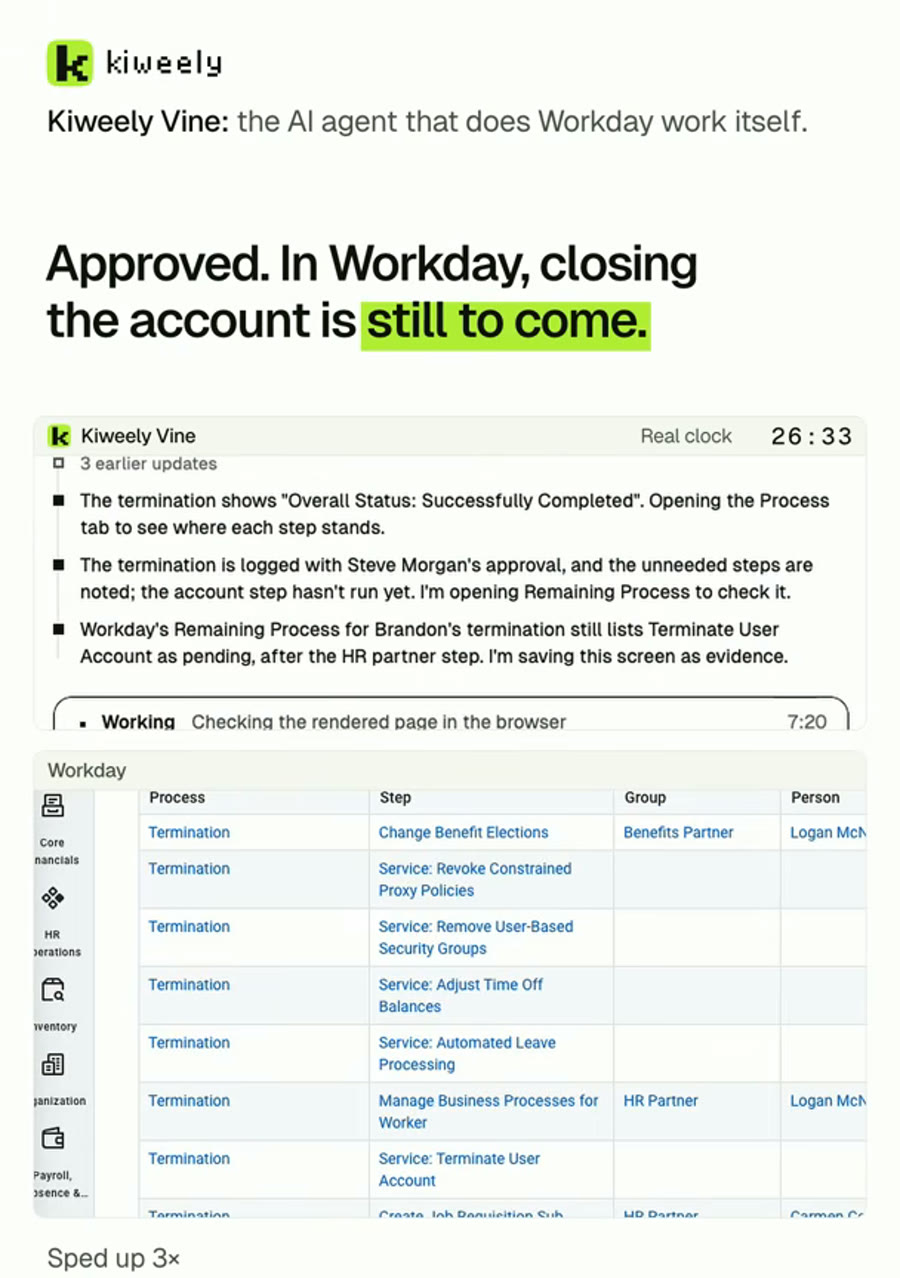
Termination process fixed so access ends the day after the last day
After approval, Terminate User Account showed the saved one-day delay.
Vine found that the Termination business process's Terminate User Account step had never been configured, and gave it a delay of one day from the effective date. It tested with a sample worker, then rescinded the test termination.
Watch the ShortNext in Kiweely Vine
Compare A chat tells you the clicks. Kiweely Vine makes them. Watch it,
then try it.
Every piece is real work. Hand Kiweely Vine yours.
Kiweely Vine runs on Mac and Windows.