


Workday’s own agents run inside the client’s Workday, in the tenants where the client has switched them on, and most of them read, explain and recommend: you still make the change. Developer Agent writes, and what it writes is Extend apps. Kiweely Vine is a desktop agent you bring to every client: it signs in to the client’s tenant as you, does the configuration, the build, the security and the test, and asks before it changes anything.
Everything said here about Workday’s agents is from Workday’s own documentation and price list, linked at the end.
The four Workday agents a consultant meets
Workday lists more than a dozen Workday-built agents. Four of them touch the work a consultant or developer does in a tenant, and Developer Agent sits beside them in Workday Extend.
| Agent | What it does | Does it change the tenant? | Where it runs |
|---|---|---|---|
| AgentDeveloper Agent | What it doesWrites Extend apps and agents from a prompt: business objects, PMD pages, scripts, WQL and Graph queries | Does it change the tenant?It proposes each change for you to review and approve | Where it runsApp Builder, or Claude Code and VS Code-compatible editors through the Workday CLI |
| AgentDeployment Agent | What it doesAnswers implementation questions and, with its Ask skill, reads the tenant’s configuration | Does it change the tenant?Its documented tenant inspection is read-only; making changes is in partner early access | Where it runsImplementation, Sandbox, Preview and Customer Central; not Production |
| AgentBP Optimize Agent | What it doesFinds slow business processes and anomalies, benchmarks them and recommends changes | Does it change the tenant?No. You implement its recommendations | Where it runsProduction and Sandbox (activated in Production first) |
| AgentAdoption Agent | What it doesCompares a release’s automatically available features with how the tenant is used, and writes an impact report with test plans | Does it change the tenant?No | Where it runsPreview only |
Developer Agent
Workday describes Developer Agent as an agentic development assistant for Workday Build. It can build a whole app or agent app from one prompt, modify an existing app, and validate its own work as it goes. It proposes changes for review: in App Builder you review them in Draft Mode, and in the editor extension you approve each change or turn on auto-approval.
Two lines in Workday’s documentation matter for delivery work. Developer Agent “doesn’t configure security”: after you deploy, you configure security in the tenant yourself. And everything Workday lists it generating is part of an app (business objects, PMD pages, scripts and queries). If you write Extend code in Claude Code or Cursor, it is the piece that brings Workday’s own knowledge to them; see why generic editor agents still need Developer Agent.
Workday’s datasheet says Developer Agent is only available through Extend AI. Its Flex Credits Rate Card of 5 November 2026 charges 2 Flex Credits per invocation once a customer passes 50,000 invocations in a year.
Deployment Agent
Deployment Agent is a conversational assistant for implementers and administrators. With the Ask skill on, it reads live configuration (calculated fields, condition rules, business processes, reports) and combines it with Workday’s guides, Community answers, implementer-only documentation and the web service definitions, so it can explain a SOAP error or why a rule isn’t firing.
In its documented form it doesn’t make the change. Workday’s own calculated-field example ends with you opening the Create Calculated Field task and entering the logic it suggested. That is starting to move: Workday’s Configuration Cloud announcement of 18 November 2026 says that, with a partner’s Configuration Cloud setup, “Once approved, Deployment Agent can carry out the changes”, and Configuration Cloud is in opt-in early access for Workday partners.
It isn’t available in Production, it is registered and activated tenant by tenant in Agent Management Hub, and Workday deletes its chat history after 14 days. The Rate Card charges 5 Flex Credits for each Ask interaction in an Implementation or Sandbox tenant.
BP Optimize Agent
BP Optimize Agent analyzes how long a company’s business processes take, where events are sent back, and how that compares with benchmarks from other Workday customers. It gives recommendations with step-by-step guidance; Workday’s documentation tells you to review them and implement them yourself, then watch the trend line. It needs the tenant in a supported region with 2 million transactions a month or fewer, and it estimates its Flex Credits before you activate it.
Adoption Agent
Adoption Agent runs in the Preview tenant before a release. It reads the features that will switch on automatically, compares them with how the tenant is used, and marks each one Testing Recommended, Configuration Required, Review Only or No Impact, with a test plan. You run the tests from that plan.
The rest
The other Workday-built agents (Self-Service, Payroll, Core Reporting, Case, Travel, Financial Audit, Revenue Contract, Planning, Talent Sentiment and Contingent Sourcing) serve employees, managers, HR and finance teams doing their own work in Workday. They aren’t tools for configuring or building a tenant.
Who switches them on
The client does. Workday-built agents need the client on Workday’s Universal Main Service Agreement (UMSA), in Production and non-Production tenants alike. An administrator registers each agent in Agent Management Hub, enables its skills and chooses the security groups that can use it, in each tenant where it should work. Agent usage is tracked against Flex Credits, which only UMSA customers have.
For a consultant this means Workday’s agents come with the client. In one client’s Sandbox you may have Deployment Agent; in the next client’s you may have nothing, and it isn’t yours to switch on.
What Kiweely Vine does in a client’s tenant
Kiweely Vine is a desktop app for Mac and Windows. It signs in to the client’s tenant through the browser as you, with your own access, and does the work there:
- Configuration and business processes. It reads the setup, tells you what it will change, asks, makes the change in Workday and reads it back.
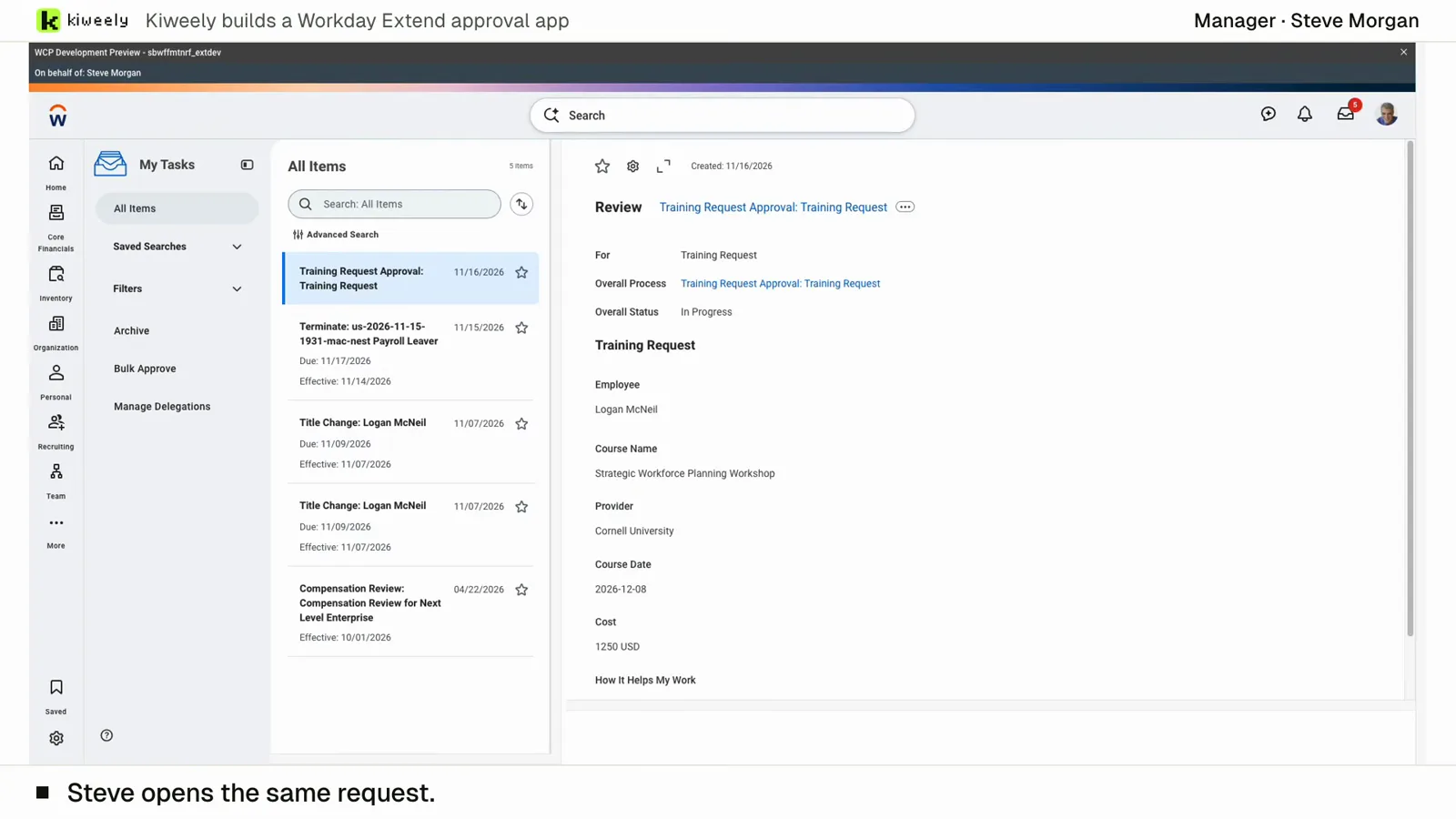
- Security. In our training-approval film it set up the app’s access for employees and managers, added the business process security policy, activated the security changes and added the Manager step to routing.
- Extend apps. It builds, validates and deploys them with their orchestrations, and promotes one tenant level at a time.
- Integrations, reports and data loads. We have filmed it building and running a Studio integration in the person’s own installed Workday Studio, an Orchestration for Integration, custom reports, a calculated field and an EIB load where Workday reported 18 rows loaded and none failed.
- Testing. It calls the work ready only after using it as the people it is for, through Workday’s Start Proxy.
Each client is its own connection, with its own tenants, and a conversation stays with the client it started in. In a Production tenant, Vine connects only when you click to connect it, asks before every change and makes changes one at a time, reading each back. It never deploys or promotes an Extend app to Production. Vine needs no Extend AI or Flex Credits of its own: it works through your sign-in.
The films ran in our own Workday test tenants with sample data. They show what the product does, not a customer result.
When Workday’s own agent is the right pick
- You want Workday’s implementer-only knowledge on a question. Deployment Agent reads documentation that was once only for service partners, alongside the tenant.
- You want benchmarks against other Workday customers. BP Optimize Agent builds them from Workday’s own system data.
- You are planning a release. Adoption Agent’s impact report reads the tenant’s own usage in Preview.
- The client builds Extend apps in house on Extend AI. Developer Agent works inside App Builder and Workday’s own tools.
None of these conflict with Vine. If the client has Deployment Agent on, ask it why a rule isn’t firing; then hand Vine the change and the test.
What Kiweely Vine costs
Vine Free is free for your Workday personal developer account and its tenant. Any other tenant needs Vine Personal at $99 a month for one person, or a Vine Team seat at $149 a month. A firm takes two Vine Team seats at least. A new account starts with $5 of Kiweely Credits, and you can use your own ChatGPT or Claude plan instead.
Beyond Workday’s own agents, ChatGPT, Claude and the testing suites are compared in the best AI tools for Workday, compared.
Download Kiweely Vine or see every AI tool for Workday side by side.
Sources checked
- Workday: Workday-Built Agents
- Workday: Deployment Agent in Implementation Environments and Customer Central
- Workday: Example: Create a Calculated Field with the Deployment Agent
- Workday: Developer Agent Overview
- Workday: Things to Consider When Using Developer Agent
- Workday: Developer Agent datasheet
- Workday: Flex Credits Rate Card (5 November 2026)
- Workday: About BP Optimize Agent
- Workday: Set Up BP Optimize Agent
- Workday: Release Impact Analysis (Adoption Agent)
- Workday: Platform Consumption Console